
In order to eliminate bots, the Bumble dating app has designed a CAPTCHA puzzle that’s honestly tricky even for human users to complete.
I’ve tried it myself and couldn’t solve it, even though my answers were right…so what’s going on? This article tells you what’s causing the Bumble puzzle verification loop, and how to fix it!
What Is the Bumble Verification Puzzle, and Why Does It Glitch?
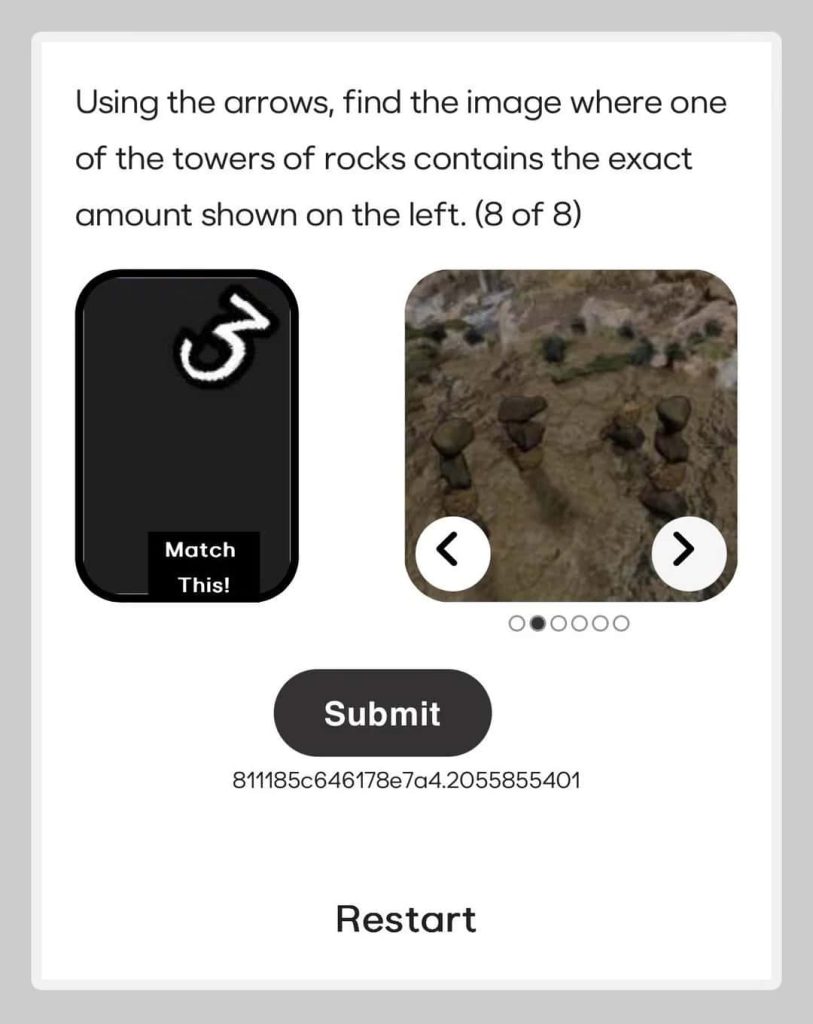
Bumble’s verification puzzles are image-based CAPTCHAs that users have to solve every time they sign in (sometimes 8 puzzles) to prove they’re human.
Bumble shows you a prompt to pick the correct image based on the instructions, typically the one with the right number of stacked rocks.
The problem with Bumble’s verification puzzles is that people often get stuck in a loop because the images are hard to see or the buttons block the way.
You may have to start over if you get one puzzle wrong, which can prevent you from signing up or logging in to your Bumble account.
🤔 The reasons why you’re stuck in the Bumble puzzle verification step vary:
- Bumble-side glitches (temporary or outages)
- Poor Wi-Fi
- Expired Bumble web sessions
- An outdated Bumble app
- Device and account-level issues, like shadowbans
I mainly had issues with the app version of Bumble, but my friends couldn’t get past Bumble’s CAPTCHA puzzle verification for a variety of reasons.
– This is how you get out of the Bumble verification puzzle loop:
1. Update the Bumble App
Go to the App Store or Google Play and scroll down to Updates (if you can’t find it, just type Bumble in the search bar). If available, update the app.
When there are no updates available, delete and reinstall the app. If you don’t want to do that, refresh your app by deleting its cache (called Offload on iPhone):
Samsung: Settings ➡️ Apps ➡️ Bumble ➡️ Storage ➡️ Delete Cache.
iPhone: Settings ➡️ Storage ➡️ Apps (Bumble) ➡️ Offload App.
2. Switch Your Internet Connection
The Bumble verification puzzle fails if you try it on an unstable internet connection, so change your Wi-Fi or switch over to phone data.
Disconnect from any VPN you might be using in case it’s messing with Bumble’s functionality; turn it back on after eliminating it as a possibility!
Tip: Solve the Bumble CAPTCHA puzzle as soon as it shows up. I know it takes a long time, but expired app/web sessions could cause the verification to glitch.
3. Sign In on Bumble Web
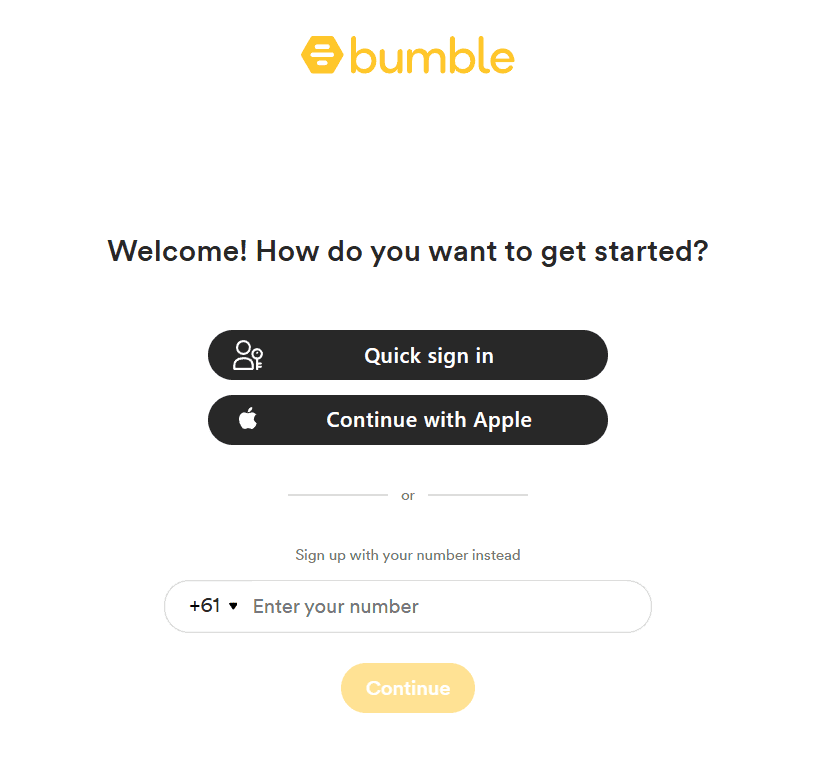
Try solving the verification puzzle on the web: go to Bumble.com and press the Sign In button.
This helps put an end to the loop because the Bumble CAPTCHA puzzles sometimes glitch on specific devices.
Note: Incognito Mode has helped me fix the Bumble verification puzzle loop in the past, likely because it masks browser data and history.
4. Consider Your Bumble Account’s Reputation
This is an unconfirmed theory, but shadowbanned users usually encounter issues like phone number errors and puzzle verification loops often.
A shadowban (although most dating apps deny its existence) is when your online dating account is intentionally silenced instead of banned.
Users suffer from a drop in matches or in-app glitches, which perfectly explains why some complain about getting stuck in a CAPTCHA loop.
The only solution? Sadly, making a new account from scratch. Otherwise, you’re likely to run into such issues often.
I have the most success when I sign up with a private phone number from DatingZest Bumblefone because their numbers look legit due to non-VoIP technology.
Also, I recommend you use new info altogether: a new number, email, internet connection, device, and even photos in order not to get recognized.
Important: Much like banned users, shadowbanned users’ data may also be retained so that Bumble can “punish” those who break the guidelines.
FAQ: What You Need to Know About the Bumble Puzzle Verification
1. What causes the Bumble puzzle verification to loop?
A weak internet connection, an outdated app, and platform/account issues are the most common culprits of the Bumble puzzle verification loop.
2. How do I solve Bumble’s CAPTCHA verification puzzles?
First, try to do it carefully and watch out for arrows blocking the image. No success? Update the Bumble app, log in on another device, switch to data, and try out Bumble on the web.
3. I solved the puzzle, but Bumble still hasn’t sent the SMS code. Why?
It’s possible you used the wrong login method. Double-check for typos, make sure your Wi-Fi is stable, and try the puzzle on the web version of Bumble. If the code never comes, sign up without your personal number.
4. Why are Bumble’s CAPTCHA puzzles so difficult to solve?
Because Bumble wants to keep the platform bot-free. Also, AI has gotten better at solving CAPTCHA puzzles, so most dating apps aim to make the process trickier.

Leave a Reply