

Getting banned from Grindr is confusing. One moment you’re chatting, the next you’re locked, and all you see is “Your account has been banned”.
This guide explains why bans happen, how to appeal the right way, what to expect from Grindr support, and what actually works if your appeal fails.
| Feature | Grindr Ban Appeal |
| Success rate | ⚠️ Low–medium |
| Outcomes | 🎯 Approved, denied, or ignored |
| Review time | ⏳ 1 day (claimed) → days or weeks (real) |
| Response chance | 👻 Often no reply |
| Explanation given | 🔒 Rarely, usually generic |
| Multiple appeals | 🚫 Hurts your chances |
| If approved | 🎉 Quiet unban or email |
| If denied | 🔚 Decision is final |
| Billing stops? | 💳 No, you must cancel |
What Pushes Grindr to Ban Accounts and What It Means
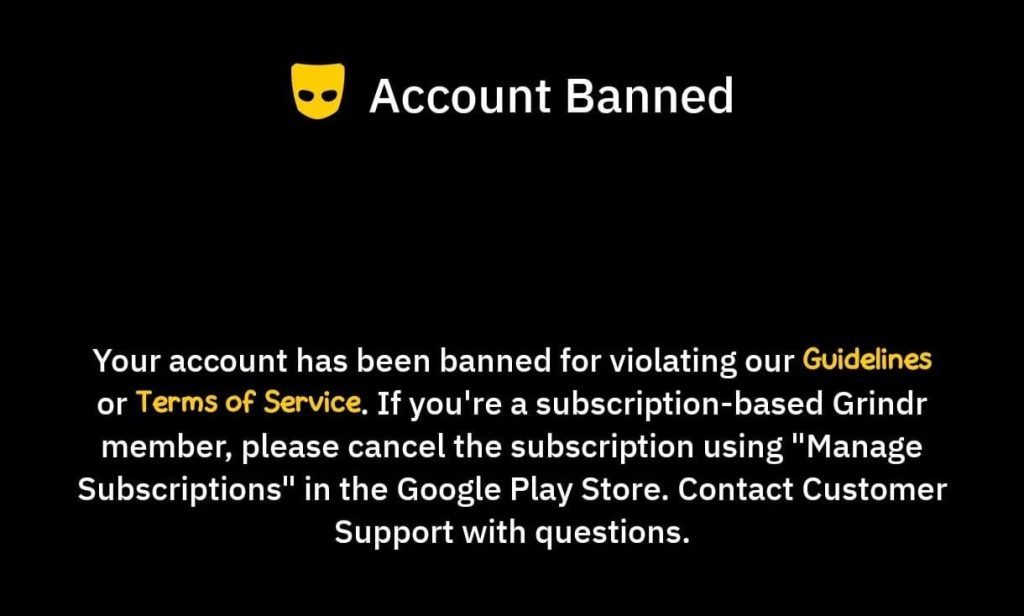
Grindr bans users for violating its Community Guidelines or Terms of Service, with little explanation. Common triggers include:
- Harassment, hate speech, nudity, or sexual content
- Minors: even joking about being under 18 can get you banned (Error 27)
- Impersonation, spam, scams, and commercial content (e.g., OnlyFans)
- Drug talk or solicitation, including euphemisms and coded terms
- Sharing personal info in your profile (handles, phone, email)
- False reports or mistakes
You’ll typically see “Your account is banned” or “You are not allowed to use this service”. If the web appeal status shows “in good standing”, that’s just a glitch.
There are 2 types of Grindr bans that stick: Temporary bans, which last 24 hours up to a month, then lift on their own.
And Permanent/Device ban – it stays even after a day or two, and involves device ID, IP address, phone number, and email.
Quick test: try creating a new account on the same phone (different email/number). If it is banned immediately, your device or network is banned.
Grindr recognizes devices, and may be tied to your Apple/Google ID, so a new email alone doesn’t work. This is how to successfully appeal your Grindr ban:
1. Open the Official Grindr Ban Appeal Form
Go to help.grindr.com → Submit a Request → choose “I want to appeal a ban.”
Next, enter your Grindr account’s details. Use the same email linked to the banned account and pick your platform (iOS/Android).
Confirm the rules by checking all the boxes. Grindr is clear that appeals must go through the official form, and not email them directly.
2. Write a Short, Polite Explanation
Explain why you think you were banned, but keep it calm, factual, and brief. Appeals are reviewed by a team member who wasn’t involved in the decision.
Don’t threaten, swear, or insult. What to include:
- Date you noticed the ban
- What you believe triggered it (or that you genuinely don’t know)
- Mentions false report or automated filter if suspected, and give context
- If you violated a rule: acknowledge and correct it, and follow guidelines
“Hi Grindr Support,
My account was banned on [date]. I’m appealing because [I believe this was a mistake / I may have violated a rule unintentionally / I suspect a false report].
If relevant: [Briefly explain what happened in 1–2 sentences. No ranting.]
I’ve reviewed the Community Guidelines and I’m willing to [remove/update anything that caused concern / verify my identity if needed].
Please review my account and let me know if you need anything else from me.
Thank you,
[Your name]
Account email: [email]
Device: [iOS/Android]”
3. Attach Evidence Only if It Helps
If you have screenshots that clearly support your case, attach them. This is where most people make mistakes, as they can’t decide what counts as “proof”.
✅ Counts as proof: Evidence of your profile not breaking any rules, respectful interactions, users attacking you, etc.
❌ Doesn’t count as proof: Irrelevant information, inconclusive chats, name-dropping haphazardly, etc.
4. Submit the Grindr Ban Appeal – Don’t Spam
After submitting your Grindr ban appeal, click a confirmation link or reply to the confirmation email to verify ownership (if needed) – check spam/junk.
Do not submit multiple appeals because they can reset your place in the queue or be treated as a duplicate. After 2 weeks, reply once on the same email thread with a polite follow-up.
💳 Cancel your subscription. Grindr does not auto-cancel XTRA/Unlimited after a ban, so you must cancel in the App Store/Google Play. Refunds are rare.
How Long Do Grindr Ban Appeals Take? What Happens After?
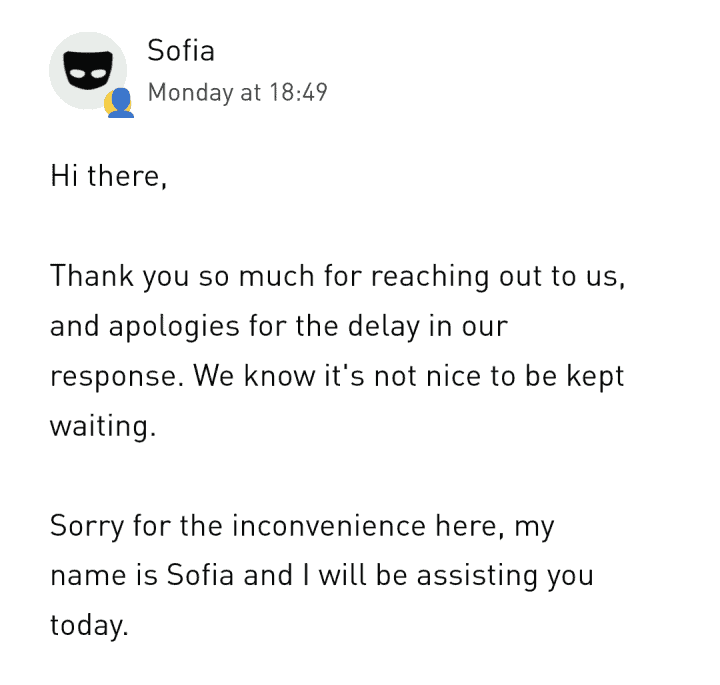
Grindr ban appeals can take up to 24 hours, or even days, weeks, or months. There are 3 possible outcomes:
👉 You’re approved…
Sometimes you’ll be unbanned with no detailed email. If the ban is a mistake, Grindr might require proof, such as a photo holding your ID. In some cases, they delete your account to allow you to create a new one after verification.
👉 You’re denied…
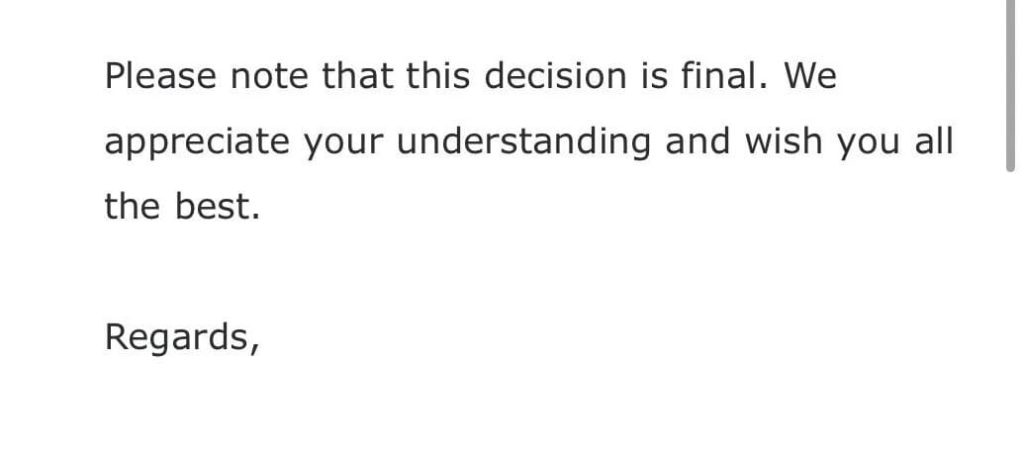
Grindr says “Your account violated our Terms of Service. This decision is final.” They are vague and cite “privacy and safety reasons” to protect reporters.
👉 If they ignore you…
Many get ghosted by the Grindr Team. After 2-3 weeks, try to politely nudge on @Grindr (Twitter/X), Facebook, or the official Grindr Reddit.
There’s also a reported escalation path: Formal Complaint (formerly formal-complaints@grindr.com).
As a last resort, file a complaint with the FTC or EU consumer agencies. Explain how you got banned unfairly on Grindr, and won’t be given a second chance.
What If the Grindr Ban Appeal Fails?
There’s a chance Grindr either denies or ignores your appeal. If you want to get back on the app, you’ll have to open a new account with unused details.
→ Reset or change your device.
Factory reset your device or use a different one. After a factory reset, set the phone up as a new device and do not restore from iCloud/Google backup.
→ Use a new App Store account
Create a new Apple ID or Google Play account to download Grindr. Do not delete and reinstall Grindr using old accounts, or the ban can return.
→ Use new login credentials
Don’t use “Sign in with Apple/Google/Facebook” if you got banned using either of those options. Use email signup or a brand-new Apple/Google account.
→ Verify your new Grindr account with a different phone number
You can’t use your old number, as it will get you re-banned. DatingZest Grindr Numbers are the perfect solution since they’re non-VoIP, legit, and private.
→ Change your network if needed
Some bans involve networks, too, so avoid the old Wi-Fi for signup and use mobile data or a VPN. Switch photos, bio text, and display name; change the images’ hash value, too.
How to Increase Your Chances of a Successful Grindr Appeal
Don’t buy accounts – they could be a scam or stolen. Don’t make multiple accounts on the same device or brag publicly that you bypassed a ban.
Keep photos SFW; do not send unsolicited nudes. Don’t mention minors, even innocently, since bots can misunderstand.
Avoid discriminatory lines like “masc4masc only” or “no femmes”. No drug or payment talk, no matter how subtle (no ad services, such as escorting, either).
Don’t put your URLs, OnlyFans handles, full name, or email in your bio. If you share your socials or number, do it in private, and only after trusting someone.
If someone harasses you: block, don’t fight, because both of you could get banned. Personalize messages or spread them out so you don’t look like a bot.
✈️ Travel carefully: Grindr is banned in some countries and filters vary by region, so what’s fine in one place may be flagged elsewhere.
If you believe a ban involves illegal discrimination or another legal issue, it becomes a different situation, but proving it is hard without clear evidence.
Grindr Ban Appeals: Frequently Asked…
1. Should I get photo-verified on Grindr?
Yes. Consider completing photo verification (the green check) because verified profiles are less likely to be mistaken for bots or catfish.
2. What are some other Grindr alternatives?
If your ban appeal is denied but you still want to be active, try out Scruff, Tinder, Bumble, OkCupid, PlanetRomeo, Sniffies, etc.
3. Can I get unbanned from Grindr?
Yes, some bans are reversed through the official appeal process, especially if they were triggered by a mistake or false report.
4. How long does it take for Grindr to review a ban appeal?
Officially, Grindr has said appeals can take up to 24 hours, but real-world reports show it often takes several days, weeks, or sometimes longer.
5. Why did Grindr ban me without telling me why?
Grindr usually does not disclose specific reasons for bans. They cite privacy and safety reasons, including protecting reporters and moderation systems.
6. What if Grindr denies or ignores my appeal?
If your appeal is denied or ignored, start fresh on Grindr by changing your device, number, email, and sometimes network, before creating a new account.

Please activate my account. It was my mistake, but I am so sorry, it won’t happen again.
I’m sorry
Please open my account, please help me, sir. Please.