

You’re mid-swipe, maybe about to match with someone promising, and suddenly your screen freezes and Tinder hits you with a cute little dinosaur and the words: “Sorry for spacing out. We’ll be right back.”
Cue the panic: Did I get banned? Is my phone broken? Is Tinder gone forever? Let’s break down exactly what this message means, why it happens, and how to get Tinder working again as fast as possible.
What Does “Sorry for Spacing Out” Actually Mean?

Despite how mysterious it sounds, this screen is just Tinder’s way of telling you: “Hey, something went wrong connecting to our servers.”
Millions of people use Tinder daily, so sometimes their servers get overwhelmed, glitch out, or go temporarily offline.
When that happens, Tinder can’t load your matches, your conversations, or even your login page; instead of showing you a blank screen or an error code, you get the friendly dino.
People have mistaken this message for a ban or shadowban because it pops up without warning, but rest assured: it doesn’t mean you’re banned. It’s a general technical hiccup.
Why Does Tinder Show the “Spacing Out” Message?
→ Tinder’s Servers Go Down.
Just like any big online service, Tinder occasionally suffers outages. High traffic can overload their servers. Sometimes they’re doing maintenance, and sometimes things just break.
→ Your Network Connection Isn’t Playing Nice.
If your Wi-Fi drops, your mobile data is spotty, or your router’s acting up, Tinder might fail to connect, even if the app itself is fine.
→ VPNs and Proxies Can Mess Things Up.
Tinder’s security sometimes flags VPN traffic as suspicious. If you’re using a VPN, it might trigger the “spacing out” message because the app can’t verify your connection properly.
→ Outdated App Versions Cause Compatibility Errors.
If you haven’t updated Tinder in a while, you might be running an older version that doesn’t mesh well with Tinder’s current servers.
→ Corrupted App or Browser Data.
Sometimes app cache on Android or cookies on your browser become corrupted. That can confuse Tinder into thinking it can’t reach its servers, even if your connection is perfect.
→ Plain Old Bugs.
Occasionally, Tinder’s app just glitches out for no obvious reason. Error codes like “G:504” or “A50000” get reported right before the “spacing out” screen appears.
Here’s How to Fix the “Sorry for Spacing Out” Message:
1. Check if Tinder’s Down
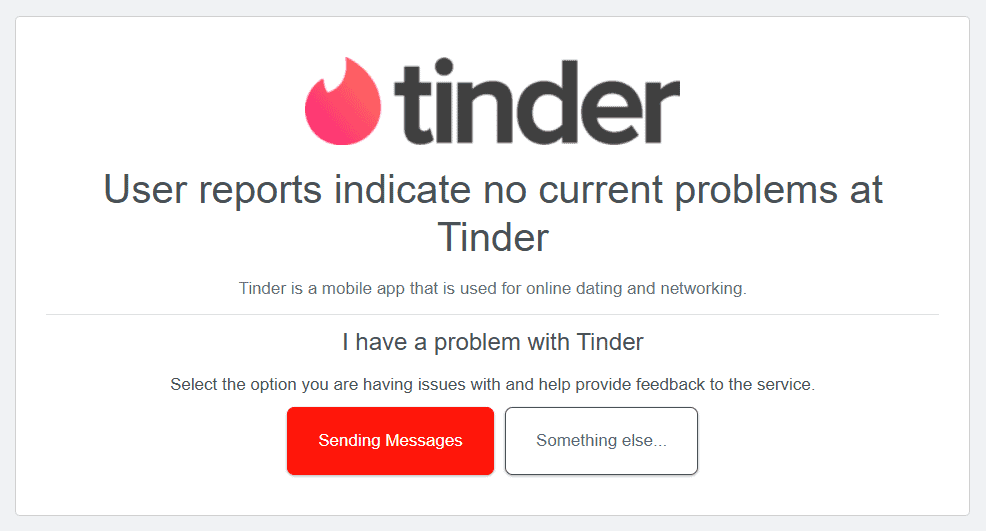
Before trying anything else, see if the problem is on Tinder’s side. Head to: DownDetector or StatusGator.
These sites show real-time outage maps and user complaints. If there’s a spike in reports, Tinder is probably experiencing issues worldwide.
2. Restart the App and Your Device
Sometimes the simplest fix works wonders. Close Tinder completely (don’t just minimize it) and reopen it. If that doesn’t help, restart your phone or computer.
3. Switch Internet Connections
If you’re on Wi-Fi, try mobile data. If you’re on mobile data, switch to Wi-Fi. Weak or unstable connections are a prime culprit for this error.
If you’re using a VPN or proxy, disable it and try Tinder again. Tinder often struggles with VPN traffic.
4. Update the Tinder App or Clear Cache and Cookies
Check your app store to make sure you have the latest version of Tinder installed. Updates often include bug fixes for connectivity problems.
If everything is up-to-date, try clearing your app’s cache or the site’s Cookies:
- On Android:
Go to Settings → Apps → Tinder → Storage → Clear Cache. - On iPhone:
Unfortunately, you can’t clear app cache directly. Delete Tinder and reinstall it. - On Web Browsers:
Clear your browser’s cache and cookies, especially if using Tinder.com.
5. Try a Different Device or Platform
If you’re stuck on the mobile app, try logging in on a computer via Tinder.com. Conversely, if you’re stuck on the web, switch to your phone. One platform may work when the other doesn’t during partial outages.
6. Wait It Out, Then Contact Tinder Support
If everything else fails and DownDetector shows others having the same issue, give it time. Tinder’s servers usually recover within a few hours.
Repeatedly trying to log in can sometimes trigger “Too Many Attempts” errors, which might lock you out temporarily.
If your problem persists for more than 24 hours, reach out to Tinder’s support through their help center. Pick “A Tinder feature isn’t working” and elaborate.
7. As a Last Resort, Create a New Account
Some errors push people to make fresh accounts using a new email and phone number (one that’s never been used before, which DatingZest can help you with!).
Don’t recycle any old account info, and if possible, open your account on a different device – or one that’s been factory reset.
Be cautious: having multiple accounts can violate Tinder’s terms of service and potentially get you banned for good.
How Much Damage Can This Error Do?
Search Reddit for “Tinder spacing out dinosaur” and you’ll see the same story repeated over and over: people panicking that their account was banned.
There’s one big problem: when Tinder has big outages, sometimes user data (like matches, conversations, or likes) gets lost or takes time to re-sync properly. Some data, although rarely, is permanently lost.
*If you’re worried, consider backing up important conversations or saving screenshots of matches. There’s no official way to download your Tinder data on demand in the middle of an outage.
The worst part is that Tinder rarely admits publicly when there’s an outage. There’s no official Twitter account posting real-time status updates. You’re left relying on community chatter and sites like DownDetector.
You got this!

Leave a Reply