
There are 2 approaches to get unbanned from FetLife: either appeal your ban or make a new account from scratch. But first, find out which one you need.
Below, you can find everything you need to know about locked FetLife accounts – the duration, reasons, and fixes!
| Type | 📝 Description | ⏳ Duration | 🛠️ Recovery? |
| Timeout | Temporary block | A few hours or days | ✅ Fixes itself |
| Suspension | Short-term freeze | Several days | ⚠️ Sometimes |
| Lock | Profile vanishes | Indefinite | 🧾 Rarely, with ID |
| Permanent Ban | Total removal | Forever | ❌ Almost never |
Types of FetLife Locks & Their Triggers
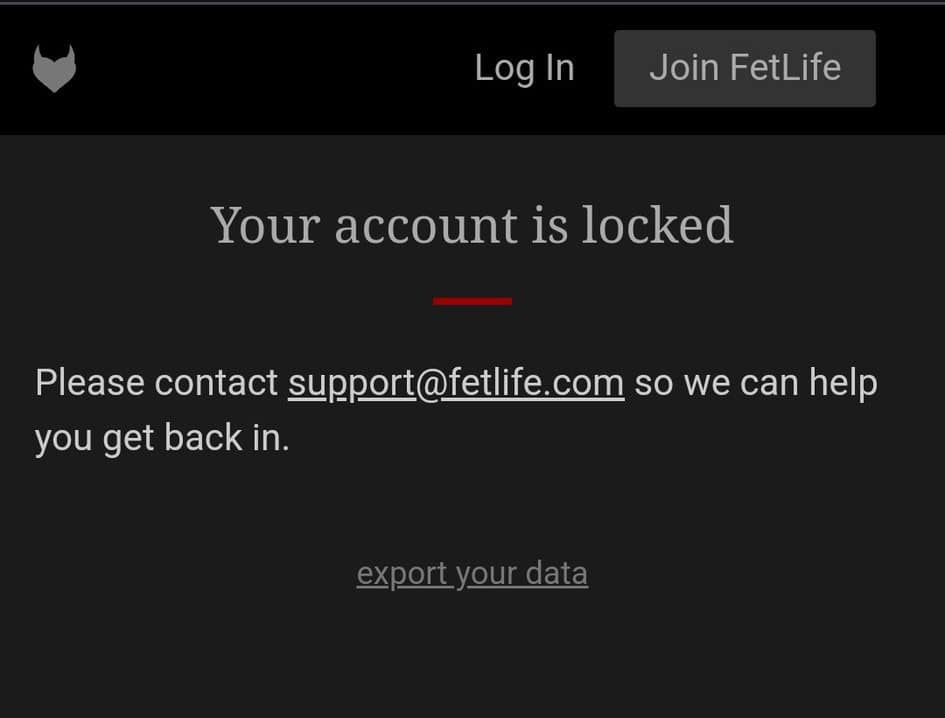
There are 4 types of FetLife locks: timeouts, suspensions, locks, and permanent bans. They’re triggered by guideline violations (depending on how severe).
⏱️ Timeouts are temporary blocks that last a few days.
⚠️ Suspensions are short-term restrictions caused by spam behavior.
🔒 Lock: full account shutdown with no access and no visibility.
‼️ A Permanent Ban is similar to a lock, but lasts forever. No follow-up email.
– Selling Adult Content & Payment Mentions (even in DMs)
Mentions of OnlyFans, payment handles, or subscriptions trigger bans.
– Findom & SW-Related Language
Terms like tribute, findom, allowance, or financial servitude raise red flags. Joining related groups and adding payment details, too.
– False Reports
Getting reported, even out of spite or because of a joke, leads to a ban.
– Automation Flags & “Bot-Like” Behavior
New accounts that spam-join groups or text users may get banned.
– Tech & Browser Issues, like…
Login errors, security challenges, extensions (HoverZoom), or script blockers.
– Recycling Information Gets You Re-Banned
E.g., Banned photos or device/IP. FetLife uses image hashing, text similarity, and device fingerprinting.
Recover your locked FetLife account in these 3 simple ways:
1. Open the Email Sent by FetLife
Go to your email app – check your Inbox or Spam for the verification email. FetLife’s emails may sometimes take hours or days to arrive.
To verify your identity as per Support’s request, send a government-issued ID or a selfie holding the ID next to your face.
⚠️ Much like Hinge, once an ID is linked to a banned account, you cannot reuse it. New accounts may get instantly locked after submitting a used ID.
2. Appeal the Ban to FetLife Support

If no email comes, reach out through the Contact Form or send a message to support@fetlife.com.
Keep your tone polite and factual. Don’t debate your kinks or use aggressive language. Your appeal should sound something like this (example):
“Hello,
My account appears to be locked, and I’m not sure why. Could you let me know what happened and if there’s any way I can restore access?
Thanks for your time.”
📌 Important:
- FetLife may respond after days or not at all.
- Verify your ID if prompted because it’s your best bet.
3. Make a Fresh FetLife Account on a New Device
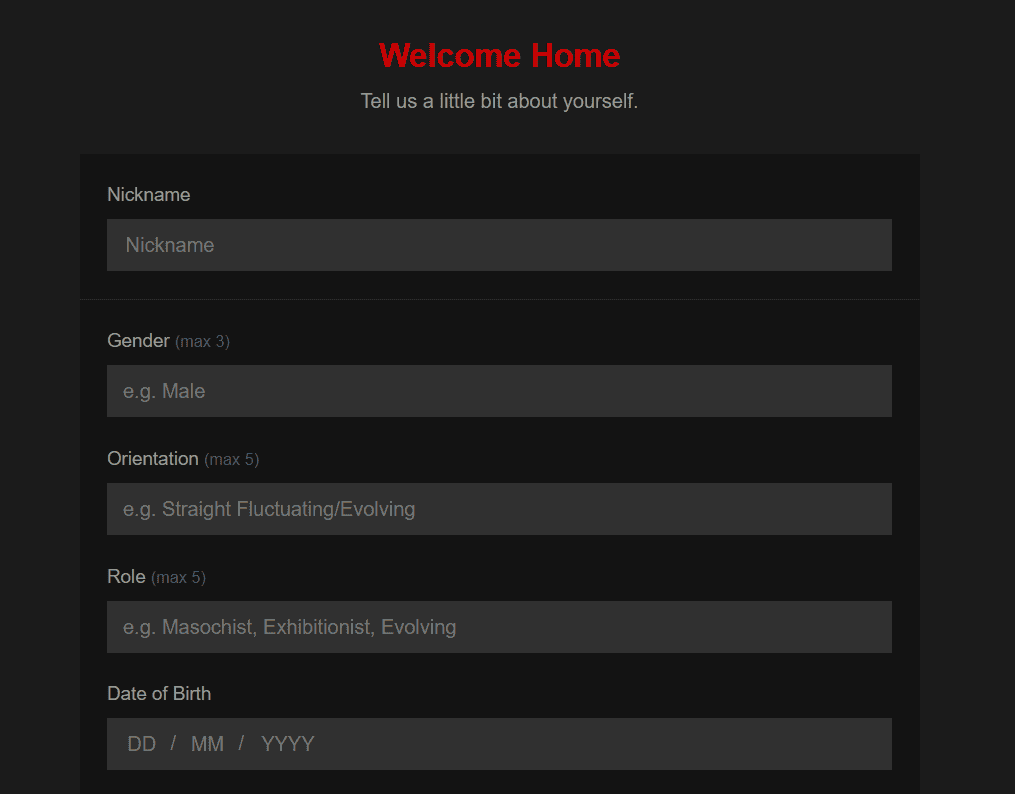
If the appeal fails, make a fresh account with a new number, device/browser ID, IP, and profile content. Follow these steps to get unbanned on FetLife:
1. Device & Browser
Use a different device (or factory-reset it). If you reuse your old one, switch browsers, and clear cookies and all data. P.S. Incognito alone isn’t enough.
Important: Do not use the same browser account because it reveals old data that FetLife recognizes.
2. IP Address
Do not use your old home Wi-Fi. Use mobile data or a reputable VPN – avoid free VPNs and shared IPs. Restart your router if your ISP assigns dynamic IPs.
3. SMS & Email Verification (mandatory)
Use a reliable SMS service like DatingZest, which offers FetLife phone numbers verification. Don’t use old numbers or free/VoIP numbers.
4. New Images & Account Content
Never reuse old photos without first deleting their hashes. Use DatingZest Image Hash Cleaner for this, or manually edit your photos.
Better yet, take new photos and open a new email address. Avoid your old username, bio, or texting style.
How to Prevent FetLife Timeouts & Bans
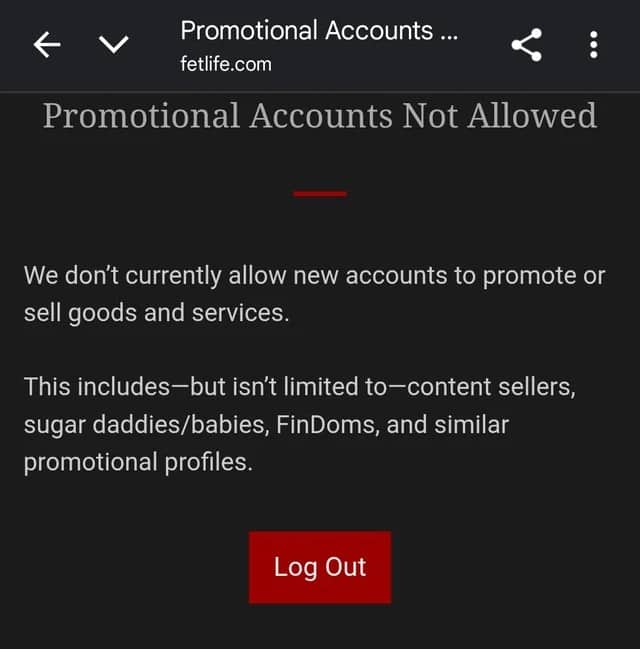
To stay safe on FetLife long-term, avoid the triggers: bot-like and suspicious behavior in general.
- Don’t link OnlyFans, CashApp, or any payment app
- Don’t mention selling content, “tribute,” or financial dynamics
- Avoid $ signs, money-related emojis, or keywords
- Don’t link Telegram, Kik, Snapchat, or WhatsApp immediately
- Avoid reposting anything from your old profile
Let your new account breathe. Gradually join groups, message people, and fill your profile. Never spam because automation systems will catch you.
– How to delete your FetLife account?
Go to Settings > Delete Account. Similar to Tinder’s issue, if you can’t delete, email support – otherwise, you won’t be able to access your account.
To keep the connections made on FetLife, export your contact list, connect through Discord, Reddit, or Telegram, and attend local munches and events!
FetLife Bans: FAQ
1. Am I dealing with a FetLife lock or just experiencing technical issues?
Try a new browser to rule out cookie/session issues, and ask a friend to search your username to test visibility.
2. How do I know if my FetLife account is permanently banned?
If you’ve been locked out for more than a few days with no email from FetLife, and your profile has disappeared from search, it’s a permanent ban.
3. How long do FetLife timeouts & bans last?
FetLife timeouts last a few days, whereas full-on bans are permanent. FetLife says that the period depends, and they may extend it as needed.
4. Can I recover a locked FetLife account?
Only if you didn’t violate monetization rules. If support requests ID verification, you have a chance.
5. What if I don’t hear back from FetLife support?
Wait a few days, then create a new account: change the device, number, email, photos, and so on.
6. How can I avoid being locked out of FetLife again?
Don’t link payment platforms or reuse photos. Go slow, keep a low profile, and don’t trigger the automation. Use a trustworthy phone number from a legit source like DatingZest.

Leave a Reply