

When you’re banned on Hinge, it’s usually obvious because you’re locked out and get a message. But what if your account seems normal, but dry?
You’re swiping, liking, and boosting, but no one sees you. This invisible lockout is what Hinge users call a shadowban. These are the signs and fixes:
| 🕵️ Shadowban | ❌ Full Ban | 📉 Suppression | |
| Access | Works, no real activity | Locked out | Works; fewer matches |
| Visibility | Profile is hidden | Profile is deleted | Profile shows but is rarely shown |
| Matches | None, or ghost likes | None | Very low and inconsistent |
| Triggers | Flagged data, reused phone/device | Major rule violations | Weak photos, poor bio, fast swipes |
| Support | Denies it’s a problem | Rarely helps | Not involved |
| Fix | Fully rebuild: new SIM, device, photos | Profile shows, but is rarely shown | Improve content and swiping |
| Longevity | Often permanent | Permanent | Can improve |
What is Hinge Shadowban and Signs
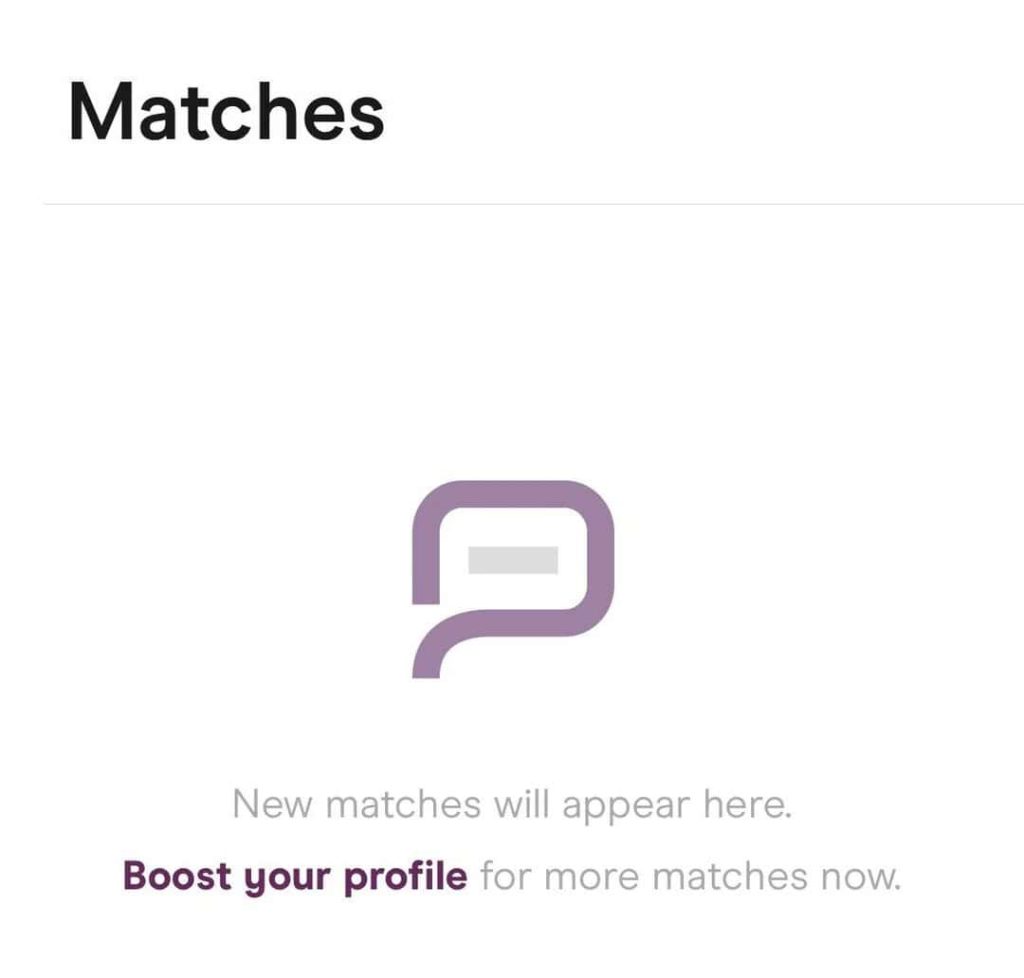
A shadowban doesn’t remove your account; it buries it. You stay logged in, can swipe and chat, even pay for features, but your visibility drops to near-zero.
Much like Hinge bans, shadowbans are permanent, too. Whereas a full ban blocks your account entirely. You might see a common set of signs:
Drastic drop in matches, even with effort and good photos – Likes, Roses, or Boosts get no response, and that’s because your profile is basically invisible, even to those swiping nearby.
A Hinge shadowban does not have a time limit. In most cases, it is permanent and will not lift on its own, no matter how long you wait. The only proven way to recover visibility is to delete the account and start over with a completely clean setup (new number, device data, and profile).
If this sounds familiar, you're dealing with a shadowban.
How to Fix Hinge Shadowbans & Causes
Although Hinge has never confirmed the existence of shadowbans, these are the likely causes:
- Recreating your account too often
- Using VoIP or recycled numbers (like Google Voice)
- Repeated reported
- Reusing banned content (photos, bios, emails, device IDs)
- Logging in across multiple devices or flagged IP addresses
- Using AI-generated or overly filtered photos
- Swiping or liking aggressively within short timeframes
Technically, you can contact Hinge Support regarding the shadowban, but you’ll likely get ignored or a very generic answer.
Even with proof, Hinge rarely takes action. That's why most users who recover do it without help…by rebuilding their profile from scratch.
To fix a Hinge shadowban, you have to start fresh and completely disconnect from your old digital footprint. Here’s how to actually do that, step by step:
1. Delete Your Hinge Account and Uninstall the App
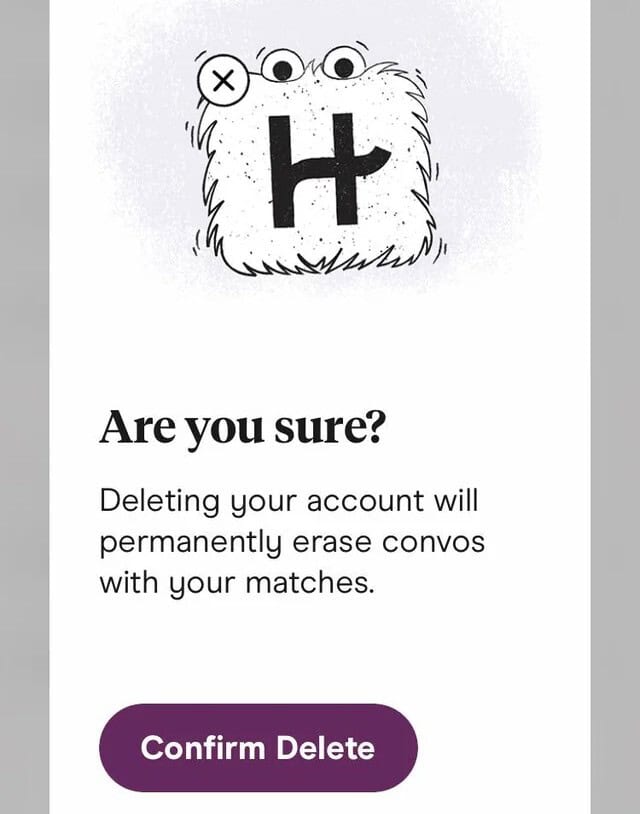
Use Settings > Delete Account. Do not just uninstall. You need to fully wipe the account server-side, even if you were verified.
Hinge retains data for 3 months, up to 2 years even after deletion. Wait at least 2-4 weeks so that the system forgets your profile’s fingerprint. That period helps restore visibility when you rebuild.
2. Use a New, SIM-Based Phone Number

VoIP numbers trigger shadowbans. Use a real one from sources like DatingZest, a service that provides globally available, SIM-based numbers.
DatingZest Numbers are Hinge-compatible from the start – they are Non-VoIP & have clean metadata, so they aren’t flagged or recycled.
Your old number is out of the question because it’s the kind of data most dating apps use to identify members.
3. Change Networks and Devices (If Possible)
Your IP address and device ID can be part of what links you to old accounts. If possible:
- Use mobile data or a different network instead of your usual Wi-Fi
- Get a new or factory-reset phone
- Avoid old Bluetooth accessories or shared accounts
Do not restore backups or reuse the old Apple/Google Account. Even reinstalling the app from your purchase history can re-trigger shadowbans.
If you use VPNs, make sure they’re from legit services. Connect to a place where Hinge is available, and avoid jumping from country to country.
App data, device fingerprints, and old accounts found in backups count as data. Create a fresh Apple ID or Google account, and if you’re an Android user, try out Secure Folder or other emulators to mimic a new device.
4. Avoid Previous Hinge Photos, Bios, Emails, or Patterns
Hinge uses photo hashing algorithms like aHash, dHash, and pHash. These detect reused photos, even if cropped or slightly edited.
Taking new photos is the safest choice, but if you want to use the old ones, clear their hash values first with hash-cleaning tools like DatingZest.
Also, write a new bio and prompts. Preferably, pick a nickname this time (e.g., if your name is Katherine, go for Kathy).
Opt for a different payment method, too, and don’t link your old email and socials. If you want to, open new ones.
5. Go Slow and Organic on Hinge
New accounts flagged as suspicious often show signs like rapid swiping, mass-liking, and immediate purchases. Let your new account breathe.
Spend time building it, and upload profile elements gradually. Be selective with your likes and messages to let the system “relearn” you.
Why Some New Hinge Accounts Fail Instantly
If you keep trying to rebuild your Hinge profile and still see no activity, you likely skipped a step or two and used recycled data.
- Same photo hashes
- Recycled numbers
- IP address reuse
- Cloud metadata restored
- Apple/Google account linkage, etc.
The Hinge algorithm could also be suppressing your profile due to low engagement, repetitive behavior, or detection of AI-generated content.
- Shadowban: You’re actively hidden. No visibility. Often triggered by reports, bans, or duplicate patterns.
- Suppression: You’re shown, but barely. Caused by poor engagement, dull profile, AI photos, or overly generic bios.
If your account is still getting some activity, you can improve your “Hinge score” by rebuilding your profile creatively (photos, prompts, etc.), swiping mindfully, and avoiding robotic answers.
Don’t rush it. Don’t reuse anything. And don’t give up after one failed try. And if you’re serious about privacy, use tools like DatingZest to do it right!

Leave a Reply