
Feeld bans are abrupt. No warning, no detailed explanation – just a message saying your account didn’t pass safety checks or “Your account has been terminated”.
Whether it was a mistake or a ripple effect of reports, it’s fixable. There are two ways to get unbanned on Feeld: appealing and starting fresh.
| 🔁 Appeal | 🔄 Fresh Start | |
| Speed | ⏳ Slow (several days) | ⚡ Faster (if setup is clean) |
| Success Rate | Moderate | High if everything is fully reset |
| Best For | Misunderstandings | Repeat bans, device-linked bans |
| Complexity | Easy: profile edits and Support | Hard: needs new info and device |
| Risk of Reban | Medium if no change is made | Low if everything is new |
| Refund | Unlikely | Not applicable |
| Trackability | High – same data reused | Low – if new date/device is used |
Why Feeld Bans Happen: Common Reasons
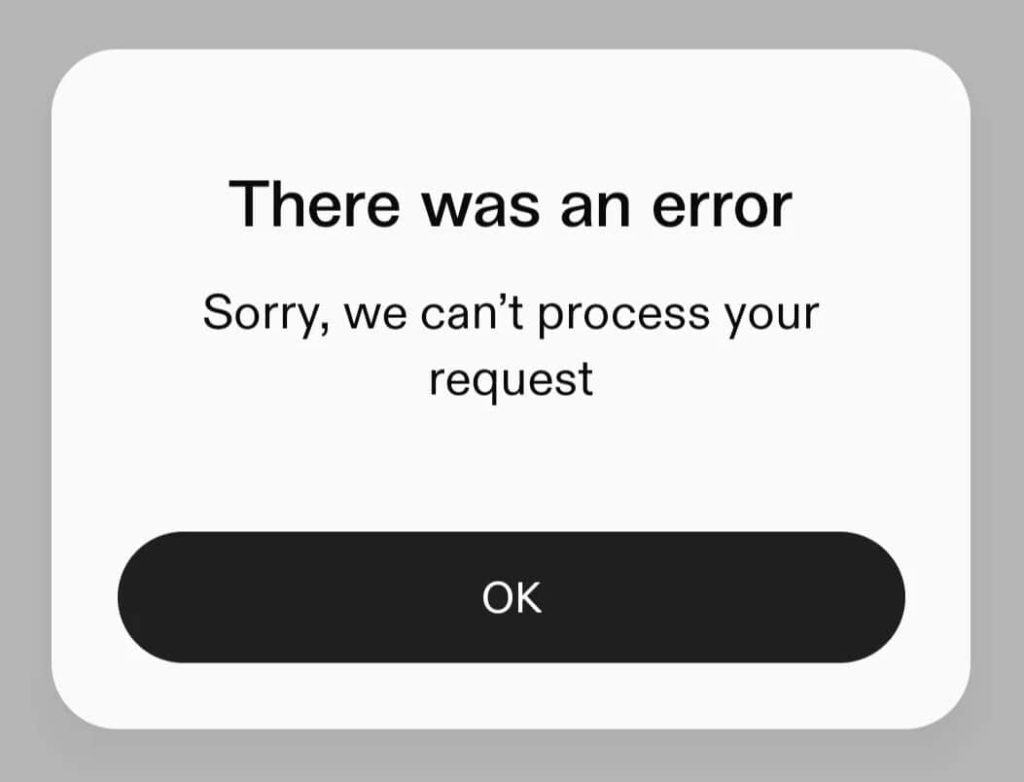
Most bans on Feeld stem from user reports, not necessarily direct rule-breaking. If enough people report a profile, moderation acts swiftly.
Here are the most common triggers Feeld’s safety system looks out for, especially when multiple appear at once.
- Suggestive or sexual images (even without nudity)
- Bios that come across as advertising or solicitation
- Cropped body shots or photos without a visible face
- Repeated, short, copy-paste messages
- Profiles with unclear gender setup or appearance mismatches
- Mentioning platforms outside Instagram (Telegram, WhatsApp, etc.)
- Photos with minors, visible drugs, guns, or explicit toys
- AI-generated, artistic, or overly abstract profile photos
- An excessive number of interest tags
You may get banned for appearing “fake” or “bot-like”, or if your interactions seem scripted or copied.
What Data Feeld Tracks and Why Re-bans Happen
Once banned, Feeld keeps your data, similarly to Tinder. This means creating a new account with the same data may lead to instant re-bans, even if you’ve deleted the app:
- Email address and phone number
- Device ID and advertising identifier (GAID on Android, IDFA on iOS)
- IP address and Wi-Fi fingerprint
- Apple ID and Google Account
- Profile photos, bios, and other content
- App metadata and account history
Feeld records device logins. It uses image hashing or text for duplicate detection, even for edited images: background blur, zoom, filter, etc.
It may also flag devices that use the same IP or Wi-Fi as a banned account. This includes home networks, hotspots, or anything you used while on Feeld.
Some bans are linked to behavior, too, like typing style and message patterns.
Paused or inactive Feeld accounts are deleted after 12 months, but some links persist longer, especially if they were flagged for guideline violations.
How to Appeal Your Feeld Ban Properly
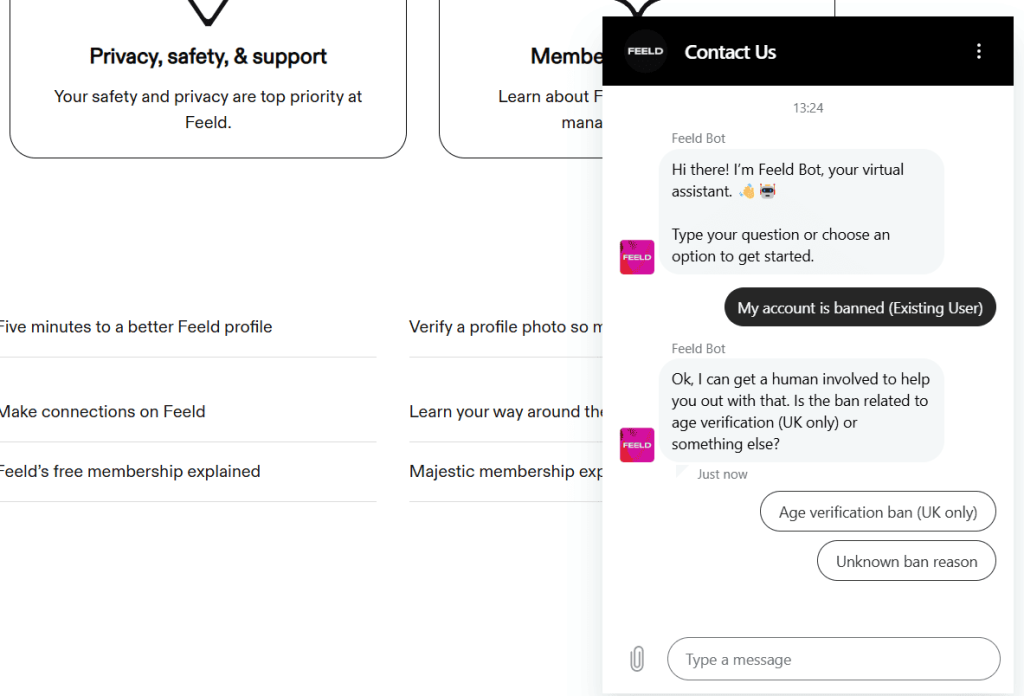
Appealing is your best first step, especially if this is your first Feeld ban – be respectful and take accountability. Before submitting, change spicy photos and bio, remove social links, and no mentions of sex work or cash apps.
Go to support.feeld.co and use the live chat in the bottom right. Select “My account is banned (existing user)”, enter your email, and write your message.
Message Example:
“Hi Feeld Support. My account under [email] was recently terminated, and I’d like to request a review. I’ve read the Community Guidelines and Photo Policies and have updated my profile. If anything I posted caused concern, it wasn’t intentional, and I’m happy to correct it. Thank you.”
– If the chat doesn’t load, email support@feeld.co with “Subject: Ban Appeal – Feeld Account (your email)”.
Replies are often automated, and usually come within 1-5 days through Zendesk or Help Scout – they won’t explain what caused the ban. Follow-ups can help if you're persistent, polite, and update your profile.
Important: Don’t log back into your banned account before appealing. And if the initial response is negative, you’ll need to show clear, visual changes.
💳 If you had a Majestic subscription, include the date of purchase, platform (Apple or Google Play), and receipt ID. Ask if a refund is possible.
If the appeal is denied, start fresh with these steps:
1. Use a New Number and Email on Feeld
Make sure the email was never linked to Feeld or any flagged social account.
As for the phone number, use a non-VoIP, unused SIM number. Avoid VoIP & public numbers, like Google Voice, Burner, or Hushed.
DatingZest often works better because it offers real, non-VoIP numbers that work on Feeld and other dating apps anonymously.
2. Sign Up on Feeld on a Different Device
The best option is to use a different phone entirely. If not, use the Factory Reset option on your phone.
- On Android, uninstall Feeld, clear app data/cache, reset GAID, block backups, and log out of your old Google ID.
- On iOS, use a new device, or create a new Apple ID and reset everything.
Switch from Wi-Fi to mobile data or a residential VPN – avoid free VPNs, as they are often detected and blocked on Feeld.
3. Avoid Old Feeld Profile Content and Behavior
Don’t re-upload photos used on the banned account or reuse bio phrases, hashtags, and promo links.
Skip tags like “sex work”, “OnlyFans”, “findom”, or payment apps. If you're poly or partnered, use Feeld’s native pairing system.
Since new Feeld accounts are monitored, behave normally. No rapid liking or matching, spamming the same message to many people, and going off-Feeld.
Let your account sit after creation. Fill out details slowly, and engage like a new user, not someone trying to rebuild a following.
Can You Recover a Deactivated or Inactive Feeld Account?
If you manually paused your account, Feeld may auto-delete it after 12 months. But if it’s inactive (not logged in), it can still be flagged later if reported.
If you delete your profile, Feeld may retain the data for up to 90 days, or longer, depending on GDPR/CCPA region compliance.
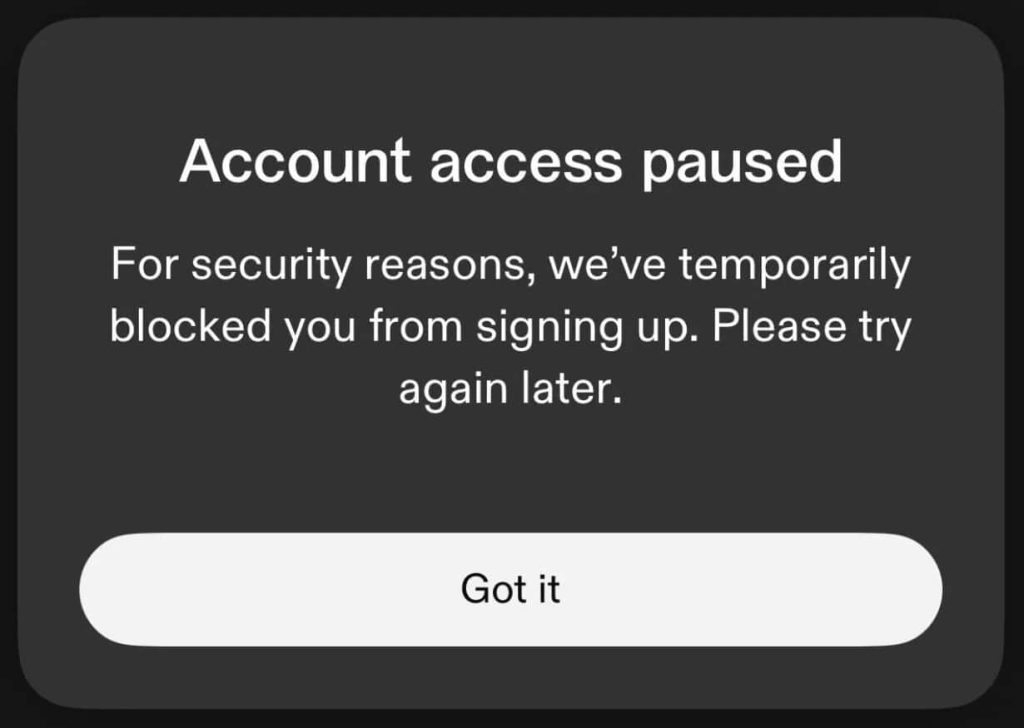
Feeld’s moderation relies heavily on reports and automations, and sometimes, users see the “We can’t create this account” error. This is usually caused by recycling banned info.
Rejected appeals won’t be revisited unless new evidence or major profile changes are shown, and there’s no public appeal escalation system.
We also have “stealth bans”, similar to Hinge shadowbans, which occur when users can open the app, but their profile and messages are hidden.
What Happens to Feeld Majestic Subscribers?
Feeld itself does not offer direct refunds unless the ban was a mistake; however, Apple and Google Play may offer refunds if:
- The subscription is recent (within 48 hours to a week)
- The user explains that the ban was unexpected or unfair
*Mention this during your first interaction with Feeld to avoid delays.
Note that Feeld doesn’t transfer subscriptions to new accounts. You’ll need to repurchase it with a different payment method, but don’t subscribe until your new account stabilizes for at least a few days.
Feeld’s system may be strict, but successful returns happen when you act with care, patience, and clarity.
FAQs: Feeld Bans
1. Why was my Feeld account banned without warning?
Most bans are triggered by multiple user reports or content that violates guidelines: suggestive photos, promo-style bios, external handles, etc.
2. Can I appeal a Feeld ban?
Yes. You can appeal via support.feeld.co or by emailing support@feeld.co. A respectful message acknowledging the issue and outlining changes made (e.g., new bio, photo updates) increases your chances.
3. What happens if I try to sign up again after a ban?
Feeld tracks device IDs, IP addresses, emails, and phone numbers. Reusing any of them can lead to instant re-bans, even if you create a new profile.
4. How do I safely create a new account after being banned?
Use a new device, switch to mobile data, and sign up with a fresh email and unused number (avoid recycled/VoIP numbers). Tools like DatingZest can help.
5. Will Feeld refund my subscription after a ban?
Not usually. Feeld doesn’t refund bans they consider valid. You may try requesting a refund directly through the App Store or Google Play.

Leave a Reply