
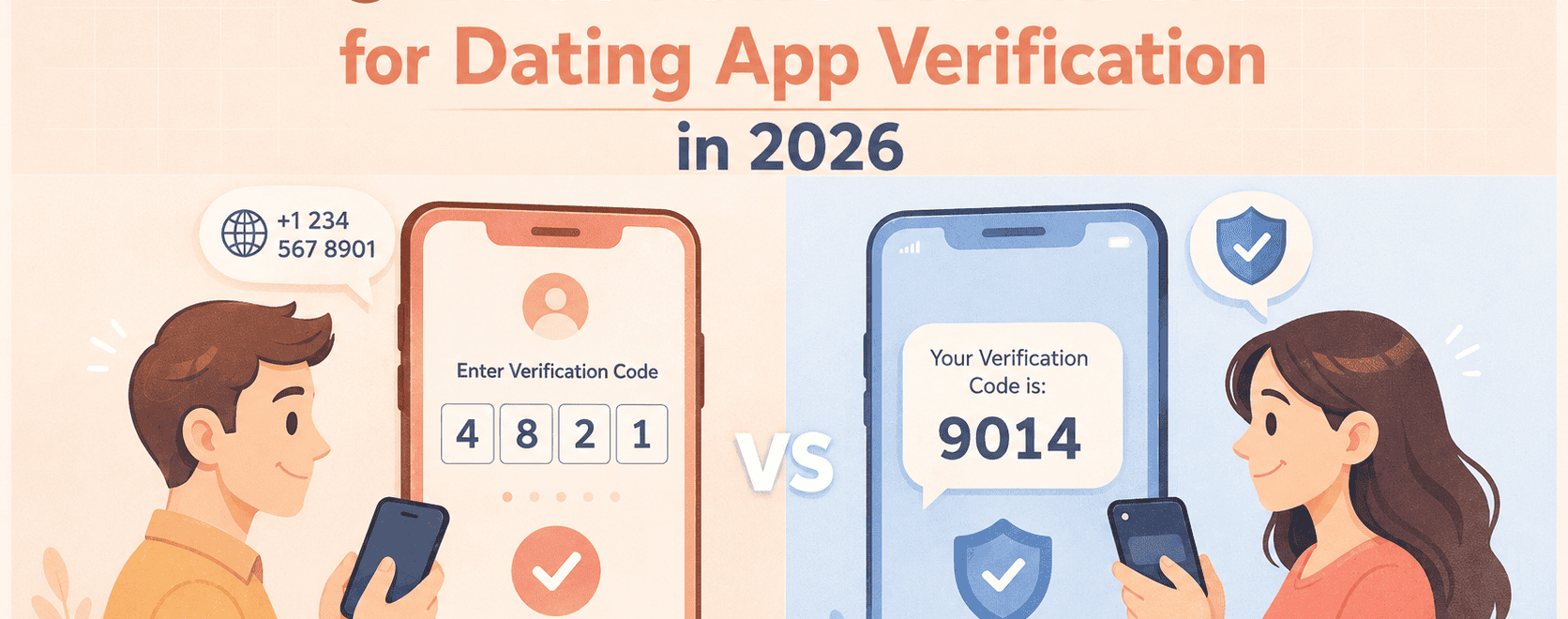
If you don’t want to sign up on a dating app with your real digits, use a private non-VoIP number as a dummy to complete the signup process!
– These are the best 7 fake phone numbers that can substitute your actual one during the online dating verification process:
| Rank | Service | Reliability | Why |
| 🥇 | DatingZest | ⭐⭐⭐⭐⭐ | Best non-VoIP numbers |
| 🥈 | PairSMS | ⭐⭐⭐⭐⭐ | Best app-specific, international numbers |
| 🥉 | TracFone | ⭐⭐⭐⭐⭐ | Real SIM, no prior usage |
| 4️⃣ | Yesim | ⭐⭐⭐⭐ | eSIM, verifiable numbers |
| 5️⃣ | PingMe | ⭐⭐⭐ | May fail if the number is used |
| 6️⃣ | TextVerified | ⭐⭐ | Recycled numbers are unreliable |
| 7️⃣ | Burner | ⭐⭐ | The numbers are inconsistent |
1. DatingZest: Best Dating App Phone Verification (Most Effective)

Tind Phone Number Generator
DatingZest consistently works for dating site registration because it offers non-VoIP numbers that support SMS verification codes. ✅
DatingZest is a phone number provider built for dating account verification. It offers private, real-looking numbers that are not recycled or flagged.
Go to the DatingZest site, choose your country and platform, get a number for a specific dating app (2 for $9.95), sign up, and receive your verification code.
– Why are DatingZest’s fake numbers #1?
- Only you can access them
- Non-VoIP (they mimic real mobile carriers)
- Have never been used before
- Globally available, even with unsupported carriers
- They fix number-related issues
👉 DatingZest is the most reliable, budget-friendly option because it’s easy to set up and prevents dating site errors, such as “Something went wrong.”
2. PairSMS: Best for Dating App-Specific Numbers (Very Reliable)
PairSMS is very reliable for dating app phone verification because they provide real, verifiable numbers that work globally in the US, UK, Canada, Australia, and more.
PairSMS is a phone number service with guaranteed verification codes that help users create dating accounts without their personal numbers.
You go to the website, pick a dating app (49+ apps, including Bumble, Grindr, Badoo, etc.), choose the country, and get the number for $9.95; you can even get bundle deals for different apps.
The SMS code will be sent to the number on the dashboard, and all you need to do is activate it on your new dating profile – without breaching your privacy!
PairSMS numbers are completely private because, unlike public/free SMS sites, they aren’t widely used by others. A good number is key for a stable dating account, and PairSMS is another good alternative for your number.
3. Tracfone: Best Physical & eSIM Dating Numbers (Dependable)
Tracfone works reliably for dating app verification because it provides real, non-VoIP SIM-based numbers that these apps accept. 👍
Tracfone is a prepaid mobile carrier that provides physical SIM cards and real phone numbers tied to US carriers, like Verizon.
– How to activate a Tracfone number?
To get SMS-verified on a dating site, buy a Tracfone SIM (through their website or IRL retailers), activate it, insert it into a phone, and use the number to verify your account.
The price of a Tracfone number ranges from $10 to $45 for 30 days. Pricier plans come with more data, calls, texts, and other perks (like Hotspot).
Much like DatingZest, Tracfone is highly effective for dating app use, like Hng and Bumble, because the numbers are private and globally available.
4. Yesim: Best Multi-Purpose Numbers (Works)
The Yesim virtual phone number provider works for verifying your online dating account at a relatively low price.
Yesim eSIM numbers are data-only, costing $3.60 per month; you can specify the exact country you want your number to be from (I suggest the U.S.!).
Go to the Yesim page, select your country, pick the dating platform, and make a Yesim account to access your brand-new number.
💳 Yesim has an app where you can see your calls and messages, including the verification codes you receive. You can choose a yearly plan if needed!
5. PingMe: Best for Low-Cost Dating Site Verification (Highly Effective)
PingMe numbers work for dating app verification if they’re new, paid, and unused. If you use an old one, your new account might get shadowbanned.
The PingMe virtual number app sells single-use and long-term phone numbers that behave like “real” lines during registration.
📱 How to set up PingMe?
Buy a number inside the app (around 6 bucks, preferably the US Cell Phone Plan), select a fresh number, and use it to verify your dating account.
PingMe’s monthly numbers look “non-VoIP” and typically accept SMS verification codes sent by dating apps because they’re tied to a real-life carrier.
However, unlike with DatingZest, the PingMe app requires you to make an account using your phone number or email to access their services.
6. TextVerified: Best for One-Time Codes (Occasionally Works)
❗ TextVerified numbers occasionally work if you don’t get a used one. If you do, you might have to use your personal number.
TextVerified is a service that offers temporary and long-term numbers for online dating platform SMS verification.
However, only the unused TextVerified numbers work for signing up for a new online dating account. You get 3 pricing options and verification methods:
1️⃣ SMS Verification for $0.50
2️⃣ Voice Verification for $2.50
3️⃣ Phone Number Rental (own the number for up to 1 year for $36 max.)
Go to the TextVerified site, select the platform, rent a number from the plan of your choice, and receive your verification code.
7. Burner: Best Quick Number Setup (Works Depending on the Number)
Burner can work for online dating verification, but results are inconsistent since most numbers are VoIP and often reused.
The Burner app provides temporary numbers for calls and texts. The unused numbers work, whereas the recycled ones cause the registration to fail.
The process is quick and simple: Create an account on Burner, get a number, and try using it for dating app phone verification.
I recommend you opt for the Verified Number plan on Burner for $10. It’s still a VoIP line that’s not SIM-based, but dating app SMS delivery should be more consistent.
What Phone Numbers Dating Apps Reject
Dating apps usually reject numbers that are recycled, VoIP-based, free, or heavily used across dating platforms, like Google Voice & Hushed.
Google Voice does not reliably work for dating app verification and is often rejected or flagged due to its VoIP nature and prior usage history.
Similarly, Hushed numbers typically don’t work during the online dating verification process because they’re VoIP and often reused by multiple people.
📱 Avoid these fake numbers for dating apps as well:
- PhonerApp usually does not work for online dating verification because the numbers are VoIP, recycled, and frequently flagged.
- Sideline does not work well for sign-ups because its business numbers often have prior online dating account history.
- TextNow rarely works for dating sites because its free numbers are mass-used and blacklisted.
- Calilio does not consistently work for dating app verification because its VoIP numbers are frequently recycled (bans are common).
- TextFree numbers mostly fail the phone verification because they trigger issues and are repeatedly used to sign up on dating sites.
- Talkatone does not work for online dating SMS verification codes and often results in instant blocks.
- Dingtone is unreliable for signing up on a dating app because its numbers are widely reused across dating apps.
- TextPlus may not work for dating site verification due to its overused VoIP number pool.
- 5SIM isn’t reliable for online dating verification because its numbers are used simultaneously by users.
- TextMe Up rarely works for registering on a dating platform because its free VoIP numbers have a high failure rate.
- KrispCall is rarely used for phone verification because of its VoIP numbers that might trigger login errors on dating apps.
👉 This is why services like DatingZest work. They provide unused, private, globally available numbers that mimic real mobile carriers and pass verification without issues.
💭 Answering Your Questions
1. Which phone numbers do dating apps accept for verification?
Dating sites support real phone numbers issued by carriers that can receive short codes. Trustworthy phone lines (physical or virtual SIM) have a higher verification rate because of non-VoIP technology.
2. Can I get SMS-verified on a dating site for free?
Typically, no. Many numbers from free apps are already tied to banned or spam accounts. When a dating app detects them, it may not send a verification code.
3. Can I verify my online dating account using somebody else’s number?
No. The number has to be accessible to you only due to the one-number-per-account rule many dating apps employ. No public or borrowed numbers.
4. What happens if I reuse my old number on a dating app?
Never register with a number that has been used on a dating site before because old data (and errors) can carry over, making it harder to sign up.
5. Does Google Voice work for creating a dating account?
Usually not. Dating platforms seem to blacklist popular number sources, like Google Voice – you’ll run into account verification troubles or may even get banned.

google number no longer works I spent two days trying to figure out why Icouldnt log in.
Hushed no longer works either
This article is poorly researched. Dating app doesn’t allow numbers from IP companies. I use Hushed and Google phone and my many attempts failed. Yes, I changed my IP.
Hi Eric,
That’s not related to IP, if you got many attempts failed that means it’s a virtual number. Because Virtual numbers aren’t accepted by apps and can be detected easily.
But if the app gives real numbers, then you will be OK. Some of the apps give real numbers we didn’t test them, but we did test a few of them and they were good.
Thank you.
This is a great guide! I’ve been struggling with trying to find a Dating app verification number that actually works, and this guide has helped me a lot.