
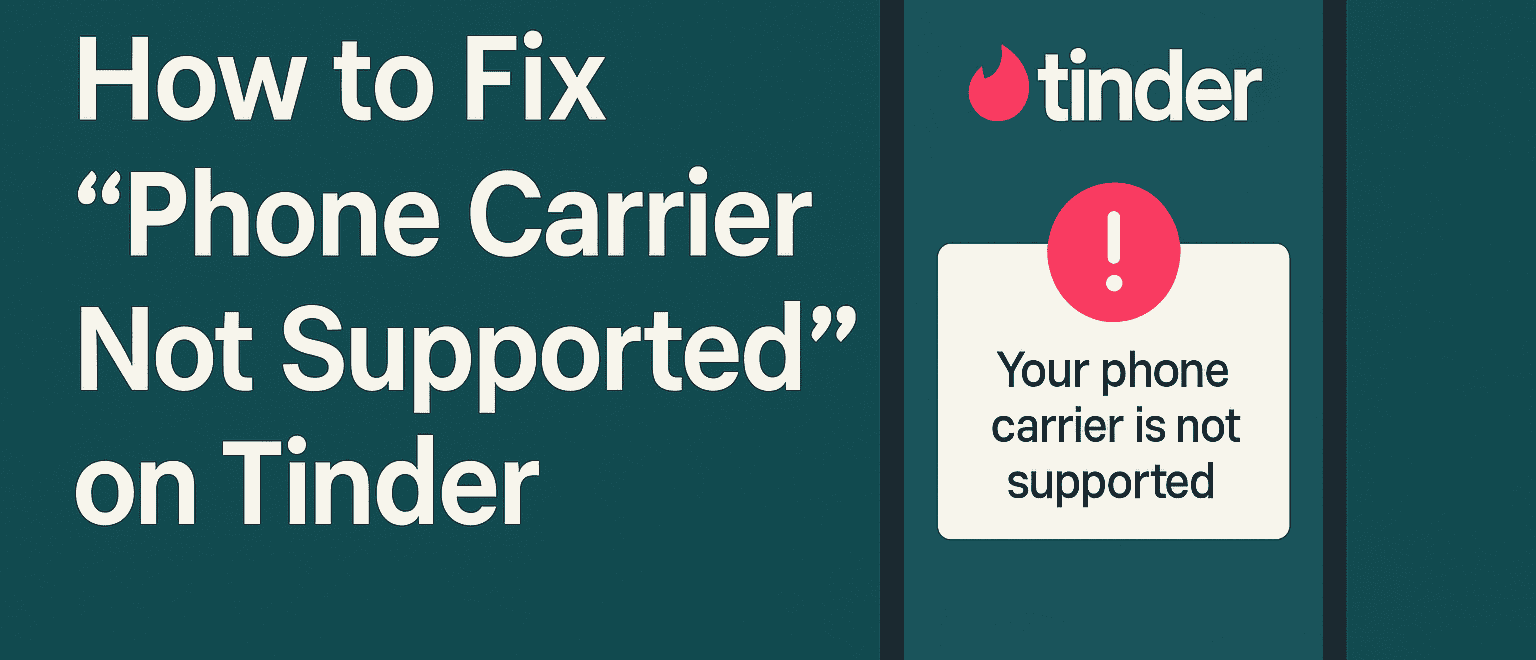
You open Tinder, ready to create a profile, only to be blocked by a frustrating message: “Your phone carrier is not supported”.
It sounds like a network issue, but in reality, it often has little to do with your actual mobile provider and everything to do with Tinder’s strict policies around number verification.
Why Tinder Blocks Certain Phone Numbers

This error has become increasingly common, especially since Tinder began tightening its systems to keep bots, spam accounts, and banned users away.
Whether you're trying to sign up for the first time or you’re a returning user who’s been blocked before, understanding what this error actually means is the first step to getting past it.
– The message typically shows up when Tinder refuses to send a verification SMS to your number. In most cases, this happens because your number belongs to a VoIP service, such as:
- Google Voice
- TextNow
- Hushed
- Burner
- Free “temporary number” apps
These numbers are often free, recycled, or associated with abuse. Tinder has flagged them as unreliable and blocked them altogether.
But even legitimate phone carriers, such as the following, can pose problems: prepaid plans or lesser-known carriers (e.g., Mint Mobile, VOXI), international or roaming SIM cards, numbers reused from banned accounts.
If you’ve been banned from Tinder or other Match Group apps before, the app may have blacklisted your device entirely. Try the same number on Bumble or Grindr. If it works there, but not on Tinder, your number is likely banned.
How to Fix The “Phone Carrier Not Supported” Error?

The most consistent solution is to use a real SIM-based number from a reputable carrier. It doesn’t have to be expensive, just reliable. Here's what you can try:
- ✅ Switch to a well-known mobile provider in your country
- ✅ Avoid VoIP or virtual numbers entirely
- ❌ Don’t reuse a number from a banned Tinder account
If you want to avoid setting up a whole new phone plan, services like DatingZest sell Tinder-compatible numbers. These aren't typical VoIP lines; they use real carrier infrastructure to pass Tinder's filters. Once you have a new number:
- Uninstall and reinstall Tinder to remove cached data
- Type in the number manually (don’t copy-paste as it sometimes causes formatting issues)
- If verification still fails, toggle your phone’s network mode between LTE, 3G, and GSM in settings
Can Tinder Support Help With “Phone Carrier Not Supported”?
Contact Tinder Support – submit a request under “Trouble With Account Login” and provide details about the issue. If you contact Tinder support, here’s what to expect:
- They’ll tell you to check your signal, confirm your number can receive SMS, and try again later
- They won’t verify if your specific carrier is supported
- They won’t unblock your number, even if it’s valid
Support replies are usually generic. Real help comes from using a number that Tinder sees as trustworthy.
Which Phone Carriers Does Tinder Support?
While Tinder doesn’t publish an official list, some SIM-based carriers are more prone to being allowed on Tinder:
- 📍United States: AT&T, Verizon, T-Mobile, Mint Mobile
- 📍United Kingdom: EE, Vodafone, O2, Three
- 📍France: Orange, SFR, Bouygues Telecom
- 📍Germany: Telekom, Vodafone, 1&1, Blau
- 📍Japan: NTT Docomo, KDDI, SoftBank
- 📍Canada: Rogers, Bell, Telus
- 📍Australia: Telstra, Optus, Vodafone
If you're unsure, Google “top phone carriers in [your country]” and choose one of the major players. Avoid free number apps, temporary or “disposable” services, or carriers you've never heard of offering “anonymous” numbers.
If You Were Previously Banned, This Is How It Might Affect You
If Tinder banned you before, just changing your number won’t be enough because your account/device data is retained. You’ll likely need to:
- Use a new SIM (from a real carrier);
- Create a new email account;
- Reinstall Tinder completely;
- Connect using a different Wi-Fi network or IP
- If possible, use a different phone as well.
Tinder tracks more than just numbers: they log device IDs, IP addresses, and account metadata. You’ll need to start fresh to truly escape a shadowban.
Final Thoughts
Fixing the “Phone Carrier Not Supported” error isn’t always quick, but it’s completely doable.
Stick with real SIM cards from trustworthy carriers, avoid virtual or reused numbers, and don’t rely on Tinder support to sort it out for you. If you’re trying to get back after a ban, get a new number, new email, new device if possible.
Once you’re verified, you’re free to swipe, match, and message without roadblocks. And this time, you’ll know how to avoid getting locked out again.

Leave a Reply