

You can sign up on Hinge without your personal number by using a brand-new SIM-based line, especially if you are shadowbanned.
Although your number isn’t visible, you can’t skip the SMS verification, so this is how to create a Hinge account with a fake number instead!
| Option | Works? | Reliability | Key Pros |
| DatingZest | ✅ Yes | ⭐⭐⭐⭐⭐ | Private, global, undetected |
| Physical SIM | ✅ Yes | ⭐⭐⭐⭐☆ | Stable but expensive |
| VoIP | ⚠️ Sometimes | ⭐⭐☆☆☆ | Easy to get |
| Paid virtual app | ⚠️ Unstable | ⭐⭐☆☆☆ | Quick setup but unreliable |
| Public numbers | ❌ Rarely | ⭐☆☆☆☆ | Free |
What Phone Numbers Hinge Accepts

Tinder Phone Number Generator
Hinge requires a phone number that supports SMS. It verifies profiles by sending a code to a phone and anchoring the number to the account.
Landlines typically don’t receive short-code SMS, and Hinge doesn’t offer voice calls. If you don’t have a number, get a virtual or physical one to create an account.
📌 Hinge allows one number per account: you can’t run two accounts on the same number. Numbers used on banned accounts are blacklisted.
Country/region matters too: You can’t join Hinge in restricted countries, like Colombia. You have to use a supported country code (e.g., US/UK/CA/EU).
– Sign up for Hinge without using your personal number in 3 easy steps:
1. Get a DatingZest Hinge-Supported Number
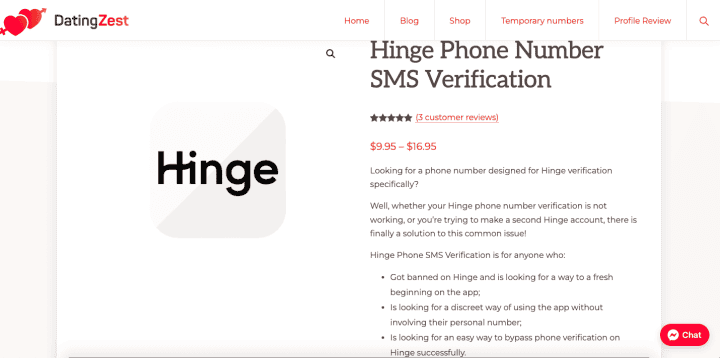
DatingZest provides real phone numbers for Hinge verification. It’s designed for users who prefer privacy, separation, and convenience when signing up.
Go to DatingZest for Hinge to purchase your number. It’s a fast and anonymous process – no subscription traps!
DatingZest is the perfect solution for…
✅ Users who want to protect their privacy on Hinge
✅ Banned users who can’t reuse their old numbers
✅ People constantly running into signup and login errors
2. Sign up for an account on Hinge
Go on the Hinge app and create an account using your DatingZest phone number. It works just as a regular number would.
Note: DatingZest numbers work for logging in from anywhere in the world. Hinge’s security system doesn’t detect them.
3. Verify the Hinge SMS code.
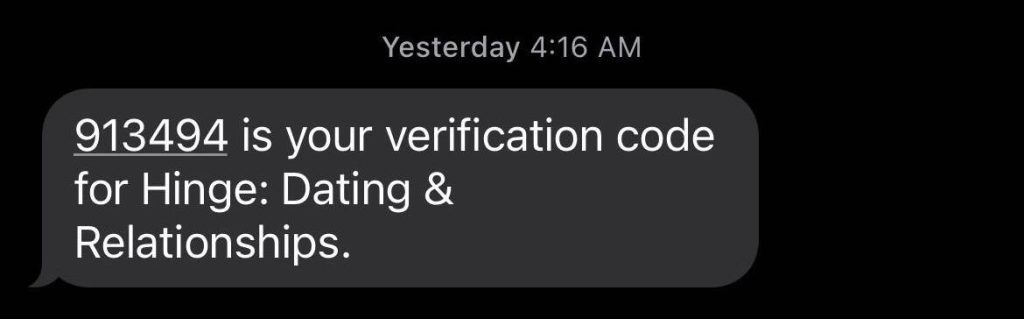
Wait a few seconds, then go to the DatingZest site (where you got the number) – copy the code sent by Hinge on the dashboard.
Reopen the Hinge app and paste the code into the field. This will verify your new Hinge account without using your actual number!
DatingZest is the most reliable, budget-friendly way to use Hinge without a number. Unlike a secondary SIM, which is too expensive and inconvenient to maintain.
What Numbers Might Give You Issues on Hinge
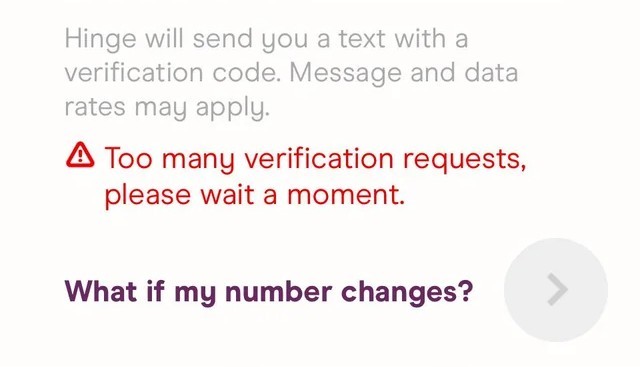
You will have problems if you sign up on Hinge with a VoIP line, free/public sources, or borrow someone else’s number.
– Does Google Voice work for Hinge? Google Voice does not work for Hinge because it is a VoIP service that often fails to receive verification codes and can trigger restrictions or shadowbans.
– Can I sign up on Hinge using TextNow? Also no. TextNow numbers don’t work on Hinge because it is a VoIP service, resulting in failed verification or account issues.
Free, public numbers rarely work because multiple people use them. If they do, Hinge may lock you out and stop sending future SMS.
If you borrow a friend’s number, you’ll pass sign-up, but every future code goes to them; they also can’t make their own Hinge later unless you delete yours.
Prepaid numbers (Hushed, OpenPhone, etc.) are usually flagged by Hinge, so expect failures. Switch providers or use a physical/virtual SIM.
– Can you use your old phone number? If you are banned, so is your phone number – Hinge checks your device, IP, photo metadata, and behavior. For a fresh start, use completely new info…
- Use a fresh number (from a trustworthy service like DatingZest).
- Switch Wi-Fi or use data. If you must, pick a good VPN
- Use a different device or hard-reset the same one.
- Don’t reuse identical photos/captions on your Hinge profile.
- Slowly build up activity (avoid mass-messaging).
How to Log Into Hinge Without a Phone Number
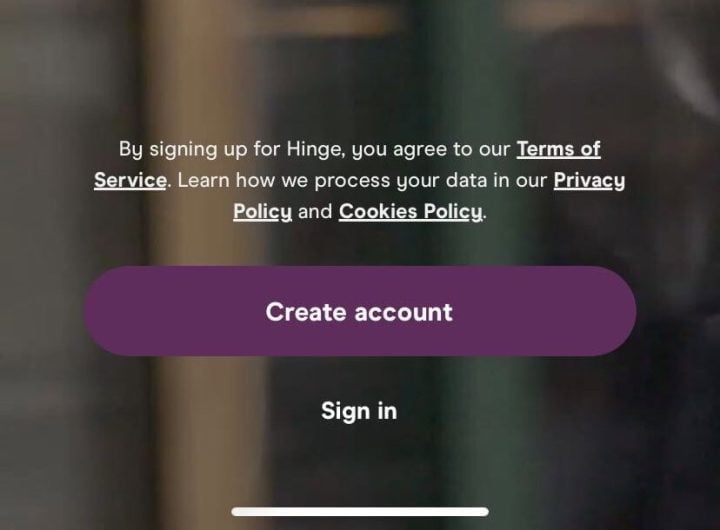
Link your Apple ID or Google so that you don’t have to type in the SMS every time. Hinge may randomly ask you to re-verify, though.
Go to your Hinge profile settings > Connected Accounts > toggle on Apple/Google. You can’t log in or sign up with only an email.
✏️ If you lose the number, Hinge Support may offer to delete your account so that you can start fresh, but they can’t move numbers around.
‼️ Important…Weak numbers trigger verification errors: codes that don’t arrive, “Too many verification requests” or “Too many login attempts” codes, random signouts, and the “Number already in use” notification.
You can’t skip Hinge’s SMS step, but you can use a fake number from a private virtual source you can access (e.g., DatingZest). Avoid free VoIP and public numbers. Pick a supported country code, keep access to your number!

Leave a Reply