
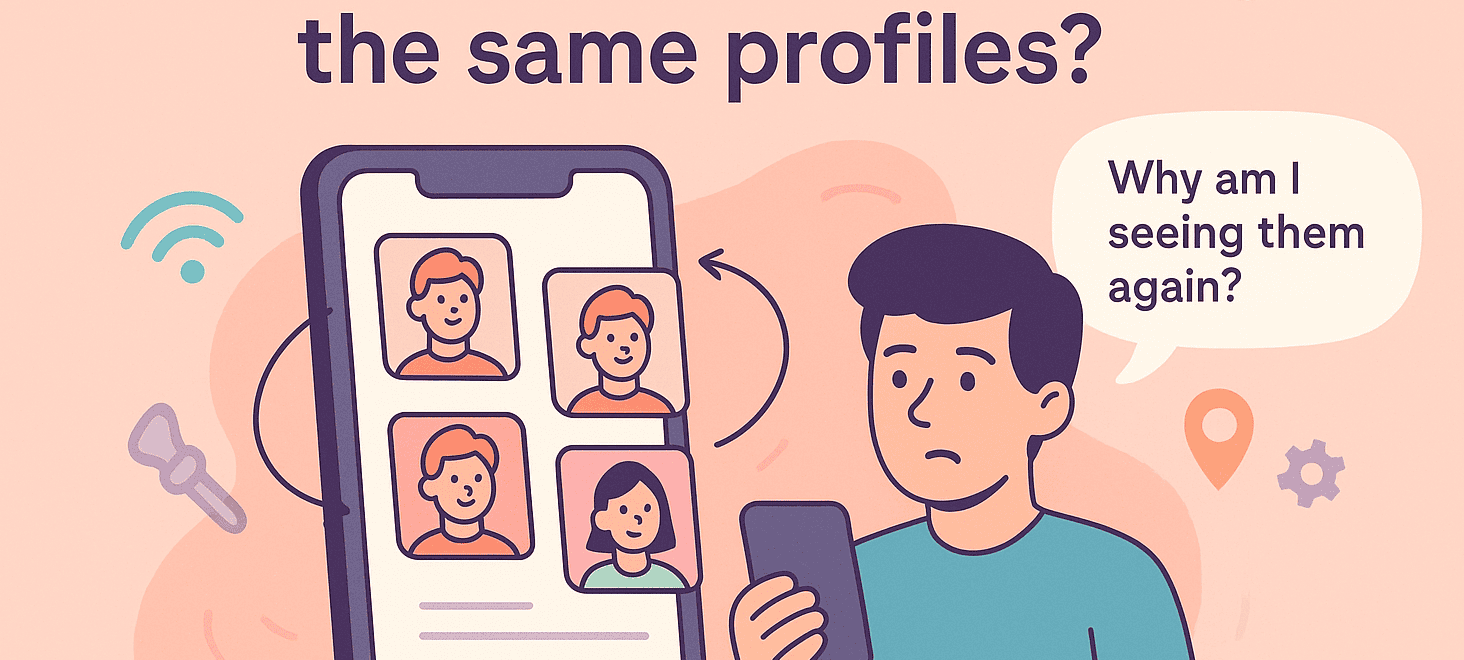
You’ve been swiping on Tind for what feels like forever. Your thumb is sore, your eyes are glazing over, and suddenly you realize the same faces keep appearing.
The same guy hiking a mountain trail. The same woman posing with her dog. Is Tind glitching? Is your account cursed? Or is this just how Tind works?
How Does Tind Treat Swipes and the Algorithm?
Unlike some dating apps where a left swipe sends someone into oblivion, Tind doesn’t permanently delete profiles after you’ve passed on them.
Stattdessen läuft es nach einem ständig wechselnden Algorithmus, der dafür sorgt, dass dein Deck voll ist und dein Daumen in Bewegung bleibt.
Originally, Tind relied on an Elo-like rating system, similar to chess rankings, but it’s evolved into a machine-learning-driven system that factors in dozens of signals:
- Wie häufig Sie wischen
- Bei wem Sie nach rechts wischen
- Wie Sie oder andere kürzlich Fotos oder Biografien aktualisiert haben
- Muster im Verhalten ähnlicher Nutzer
Tind prioritizes showing you the people it thinks you’re most likely to swipe right on first. But once you’ve exhausted your best “potential matches,” it begins looping back through profiles you’ve already seen.
– So, How to Fix Seeing the Same Profiles on Tind?
1. Verleihen Sie Ihrem Profil ein neues Aussehen

Wenn Sie in einem "Swipe Trott" feststecken (oder den Verdacht haben, dass Sie gebannt werden könnten), hilft es, Ihr Profil zu aktualisieren. Tauschen Sie neue, hochwertige Fotos aus, die verschiedene Seiten Ihrer Persönlichkeit zeigen.
Update your bio to include something unique, funny, or conversation-worthy, and tweak your interests or prompts to show you’re active and genuine. Sometimes Tind boosts profiles that appear newly active.
2. Erweitern Sie Ihre Präferenzen

Wenn Sie enge Filter gesetzt haben, sollten Sie diese erweitern. Erweitern Sie Ihren Altersbereich oder vergrößern Sie Ihren Entfernungsradius. Selbst fünf oder zehn Kilometer mehr können Dutzende neuer Gesichter in Ihren Stapel bringen.
If you’re a premium user, use Tind Passport to swipe in a different city, or even another country. A new location can mean a brand-new deck of profiles.
3. Überprüfen Sie Ihre Internetverbindung
Wenn das Problem gerade erst aufgetreten ist, versuchen Sie, von Wi-Fi auf mobile Daten umzuschalten oder umgekehrt. Eine schwache Verbindung kann manchmal verhindern, dass Ihre Wischvorgänge richtig registriert werden.
4. Reach Out to Tind Support
It’s a long shot, but you can contact Tind support. It’s a great method for when the error is Tind’s fault!
Wählen Sie “Ein Tind-Merkmal funktioniert nicht” und geben Sie dann “Entdeckung” in das Formular ein. Geben Sie Einzelheiten zu Ihrem Problem an, rechnen Sie jedoch mit allgemeinen Antworten.
5. Toy With the Tind App

Melden Sie sich ab und dann wieder an. Wenn das nicht funktioniert, prüfen Sie, ob es im App Store oder bei Google Play Updates gibt.
Bevor Sie die App löschen, versuchen Sie, den Cache in den Einstellungen Ihres Android-Geräts zu löschen. Immer noch nichts? Dann ist es an der Zeit, die großen Geschütze aufzufahren...
6. Neu anfangen, aber vorsichtig
If all else fails, you can create a brand-new Tind account, but there’s a right way and a wrong way to do this.
Simply deleting and recreating your account immediately doesn’t work because Tind can still link your old account details, phone number, or even payment info. To avoid being recognized, you’d need to:
- Löschen Sie Ihr Konto vollständig über Ihre Einstellungen.
- Mindestens 90 Tage warten if you suspect a shadowban, as Tind retains data for about three months.
- Erstellen Sie ein neues Konto mit völlig neuen Informationen: eine neue, effektive Telefonnummer (z. B. von DatingZest), neue E-Mail, andere Fotos und keine Verknüpfung mit alten sozialen Konten wie Spotify oder Instagram.
- Warum all diese Mühe auf sich nehmen?
Because if you’ve been shadowbanned, Tind’s system will keep connecting your new attempts to your old profile, locking you into the same loop of low visibility and repeat profiles.
Für gesperrte Benutzer, Tind’s data retention can last one to three years, so patience may be your only option.
Warum sehen Sie immer wieder dieselben Leute?
Despite Tind’s official explanation that recycled profiles are usually caused by either bad internet connections or users deleting and recreating their accounts, the real story is more complicated.
This can happen in perfect Wi-Fi connections while swiping, and let’s face it: it’s unlikely every repeat profile belongs to someone who left Tind and returned.
Das ist der Grund, warum immer wieder die gleichen Gesichter auftauchen:
1. Leben in einem kleinen oder ländlichen Gebiet
If you’re swiping in a small town or rural location, Tind simply doesn’t have a large pool of users to show you. Once you’ve seen everyone in your filters, Tind starts re-circulating those same profiles so that your deck isn’t empty.
2. Enge Präferenzen
Even in a big city, if your filters are too strict (e.g., extremely narrow age group and distance), Tind quickly runs out of new people to show you. When the pool shrinks, the app recycles profiles you’ve already swiped on.
3. Linkswischer sind nicht dauerhaft
Tind doesn’t treat a left swipe as a final goodbye. Unlike other apps where swiping left removes someone permanently, Tind might bring back profiles if:
→ Neue Leute sind in Ihrer Region nicht verfügbar
→ Der Algorithmus entscheidet, dass noch Potenzial für eine Verbindung besteht, vor allem, wenn die Person nach rechts gewischt hat
4. Gelöschte und neu erstellte Konten
Plenty of users get frustrated, delete their Tind profiles, and then return weeks or months later, hoping for better luck. When they do, Tind treats them as brand-new users, meaning you’ll see them in your stack again even if you’ve swiped on them before.
5. Profiländerungen lösen einen “Reset” aus”
If someone updates their photos, rewrites their bio, or changes other details, Tind may treat that profile as new and push it back into circulation. It’s how you end up thinking, “Moment mal... habe ich diese Person nicht schon gesehen?”.
7. Technische Pannen
Tind isn’t immune to bugs. Sometimes, a glitch or slow internet connection prevents the app from registering your swipe properly, causing profiles to pop up again as if you’d never swiped on them.
Is It a Glitch or a Schattenverbot?
Seeing the same profiles repeatedly means you might’ve gotten shadowbanned: your profile is visible to you but hidden from others. Even though Tind officially denies shadowbans exist, the evidence is irrefutable.
- Eine drastisch niedrigere Anzahl von Übereinstimmungen oder Likes
- Probleme bei der Benachrichtigung über Spiele
- Ein fehlerhaftes App-Erlebnis
- Schwierigkeiten bei der Löschung ihres Kontos
- Und ja, die gleichen Profile immer und immer wieder
More often, the repetition is just the result of Tind’s recycling algorithm. Still, if you’ve stopped getting matches altogether and your deck hasn’t changed in weeks, it might be worth investigating.

Schreibe einen Kommentar