
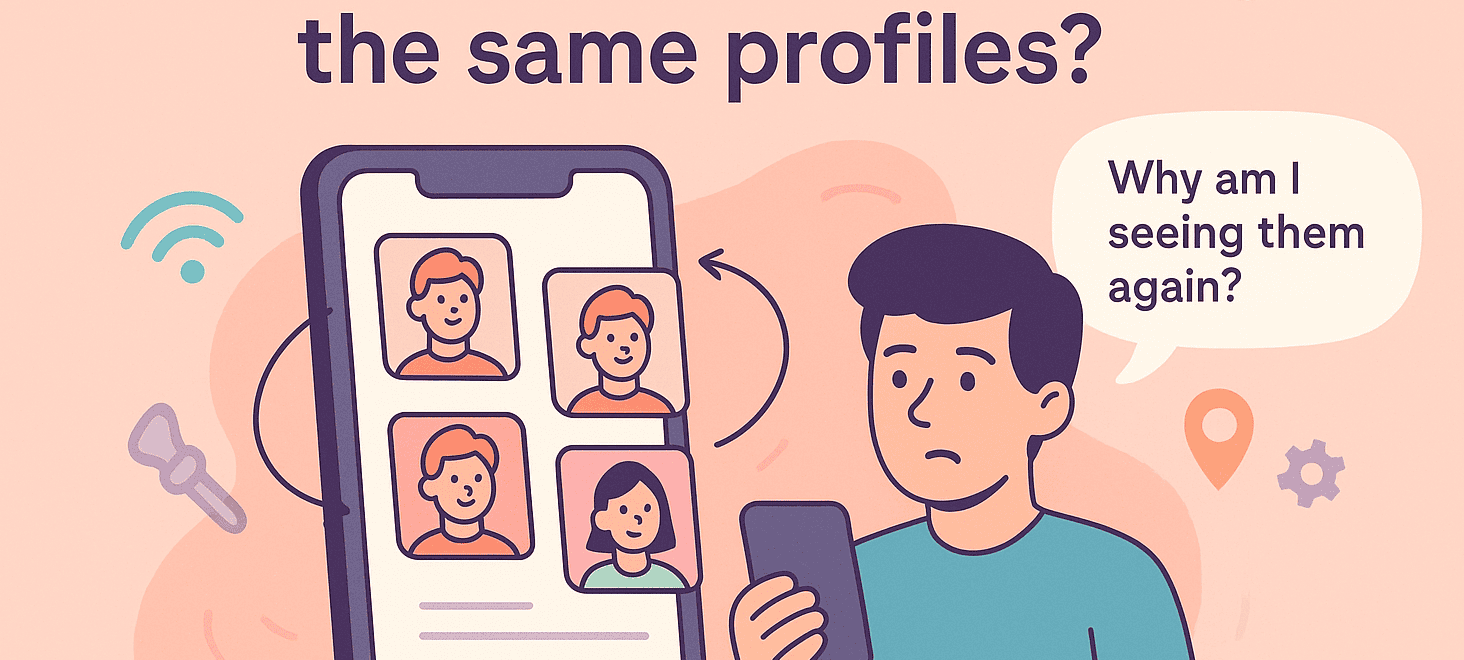
You’ve been swiping on Tind for what feels like forever. Your thumb is sore, your eyes are glazing over, and suddenly you realize the same faces keep appearing.
The same guy hiking a mountain trail. The same woman posing with her dog. Is Tind glitching? Is your account cursed? Or is this just how Tind works?
How Does Tind Treat Swipes and the Algorithm?
Unlike some dating apps where a left swipe sends someone into oblivion, Tind doesn’t permanently delete profiles after you’ve passed on them.
Instead, it runs on an ever-shuffling algorithm designed to keep your deck full and your thumb moving.
Originally, Tind relied on an Elo-like rating system, similar to chess rankings, but it’s evolved into a machine-learning-driven system that factors in dozens of signals:
- How frequently you swipe
- Who you swipe right on
- How recently you or others updated photos or bios
- Patterns in how similar users behave
Tind prioritizes showing you the people it thinks you’re most likely to swipe right on first. But once you’ve exhausted your best “potential matches,” it begins looping back through profiles you’ve already seen.
– So, How to Fix Seeing the Same Profiles on Tind?
1. Give Your Profile a New Look

If you’re stuck in a swipe rut (or suspect you might be shadowbanned), it helps to refresh your profile. Swap in new, high-quality photos that show different sides of your personality.
Update your bio to include something unique, funny, or conversation-worthy, and tweak your interests or prompts to show you’re active and genuine. Sometimes Tind boosts profiles that appear newly active.
2. Widen Your Preferences

If you’ve set narrow filters, try expanding them. Broaden your age range or increase your distance radius. Even an extra five or ten miles can add dozens of new faces to your stack.
If you’re a premium user, use Tind Passport to swipe in a different city, or even another country. A new location can mean a brand-new deck of profiles.
3. Check Your Internet Connection
If your problem just started, try switching to mobile data instead of Wi-Fi, or vice versa. A weak connection can sometimes prevent your swipes from registering properly.
4. Reach Out to Tind Support
It’s a long shot, but you can contact Tind support. It’s a great method for when the error is Tind’s fault!
Choose “A Tind feature isn’t working” and then specify “Discovery” in the form. Provide details about your issue, though be prepared for generic responses.
5. Toy With the Tind App

Log out, and then log back in again. If that doesn’t work, check for any updates on the App Store or Google Play.
Before deleting the app, try to erase the cache in your Android’s Settings. Still nothing? It’s time to bring out the big guns…
6. Start Fresh, but Cautiously
If all else fails, you can create a brand-new Tind account, but there’s a right way and a wrong way to do this.
Simply deleting and recreating your account immediately doesn’t work because Tind can still link your old account details, phone number, or even payment info. To avoid being recognized, you’d need to:
- Delete your account completely through your settings.
- Wait at least 90 days if you suspect a shadowban, as Tind retains data for about three months.
- Create a new account using entirely new information: a new, effective phone number (e.g., from DatingZest), new email, different photos, and no linking to old social accounts like Spotify or Instagram.
– Why go to all this trouble?
Because if you’ve been shadowbanned, Tind’s system will keep connecting your new attempts to your old profile, locking you into the same loop of low visibility and repeat profiles.
For banned users, Tind’s data retention can last one to three years, so patience may be your only option.
Why Do You Keep Seeing the Same People?
Despite Tind’s official explanation that recycled profiles are usually caused by either bad internet connections or users deleting and recreating their accounts, the real story is more complicated.
This can happen in perfect Wi-Fi connections while swiping, and let’s face it: it’s unlikely every repeat profile belongs to someone who left Tind and returned.
Here’s why the same faces keep popping up:
1. Living in a Small or Rural Area
If you’re swiping in a small town or rural location, Tind simply doesn’t have a large pool of users to show you. Once you’ve seen everyone in your filters, Tind starts re-circulating those same profiles so that your deck isn’t empty.
2. Narrow Preferences
Even in a big city, if your filters are too strict (e.g., extremely narrow age group and distance), Tind quickly runs out of new people to show you. When the pool shrinks, the app recycles profiles you’ve already swiped on.
3. Left Swipes Aren’t Permanent
Tind doesn’t treat a left swipe as a final goodbye. Unlike other apps where swiping left removes someone permanently, Tind might bring back profiles if:
→ New people aren’t available in your area
→ The algorithm decides there’s still potential for a connection, especially if they swiped right on you
4. Deleted and Recreated Accounts
Plenty of users get frustrated, delete their Tind profiles, and then return weeks or months later, hoping for better luck. When they do, Tind treats them as brand-new users, meaning you’ll see them in your stack again even if you’ve swiped on them before.
5. Profile Changes Trigger a “Reset”
If someone updates their photos, rewrites their bio, or changes other details, Tind may treat that profile as new and push it back into circulation. It’s how you end up thinking, “Wait…didn’t I already see this person?”.
7. Technical Glitches
Tind isn’t immune to bugs. Sometimes, a glitch or slow internet connection prevents the app from registering your swipe properly, causing profiles to pop up again as if you’d never swiped on them.
Is It a Glitch or a Shadowban?
Seeing the same profiles repeatedly means you might’ve gotten shadowbanned: your profile is visible to you but hidden from others. Even though Tind officially denies shadowbans exist, the evidence is irrefutable.
- A dramatically lower number of matches or likes
- Problems messaging matches
- A glitchy app experience
- Difficulty deleting their account
- And yes, the same profiles over and over
More often, the repetition is just the result of Tind’s recycling algorithm. Still, if you’ve stopped getting matches altogether and your deck hasn’t changed in weeks, it might be worth investigating.

Leave a Reply