
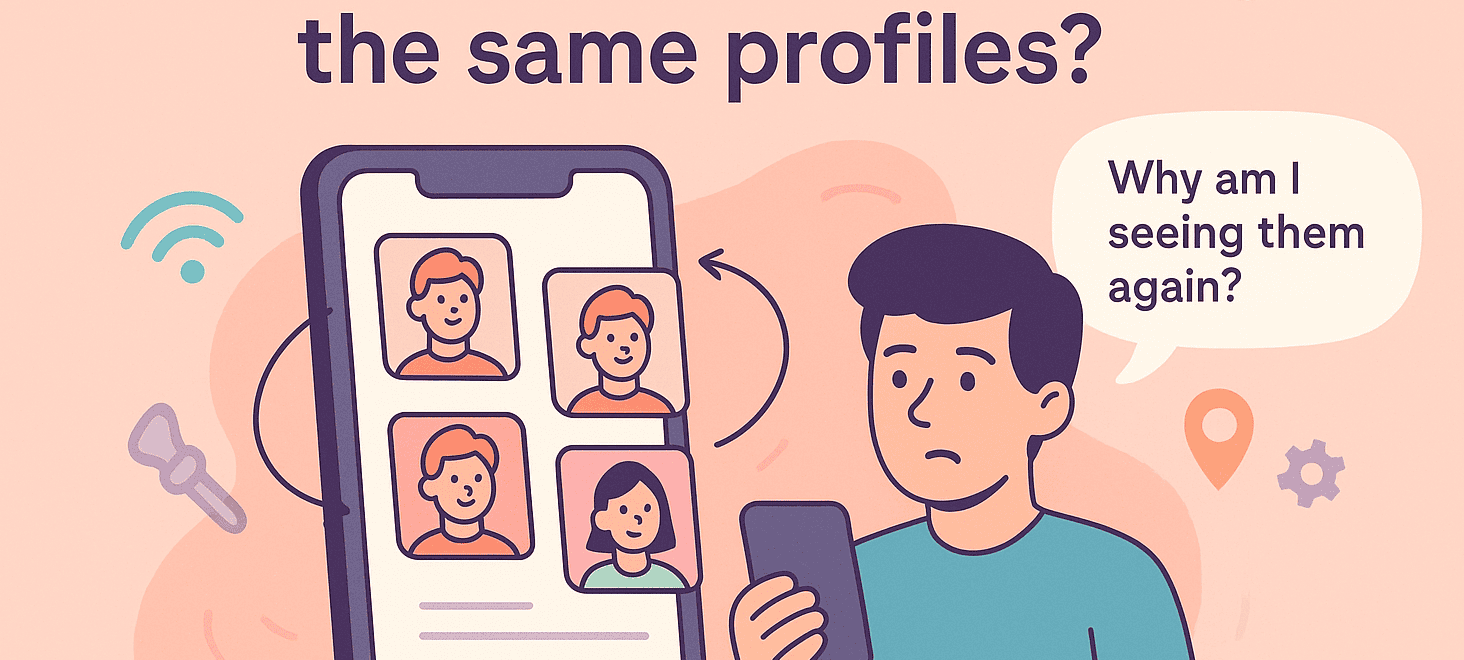
You’ve been swiping on Tind for what feels like forever. Your thumb is sore, your eyes are glazing over, and suddenly you realize the same faces keep appearing.
The same guy hiking a mountain trail. The same woman posing with her dog. Is Tind glitching? Is your account cursed? Or is this just how Tind works?
How Does Tind Treat Swipes and the Algorithm?
Unlike some dating apps where a left swipe sends someone into oblivion, Tind doesn’t permanently delete profiles after you’ve passed on them.
Em vez disso, funciona com um algoritmo de baralhamento constante concebido para manter o baralho cheio e o polegar em movimento.
Originally, Tind relied on an Elo-like rating system, similar to chess rankings, but it’s evolved into a machine-learning-driven system that factors in dozens of signals:
- Com que frequência passa o dedo
- Quem é que desliza para a direita
- Quando é que o utilizador ou outras pessoas actualizaram recentemente as suas fotografias ou biografias
- Padrões de comportamento de utilizadores semelhantes
Tind prioritizes showing you the people it thinks you’re most likely to swipe right on first. But once you’ve exhausted your best “potential matches,” it begins looping back through profiles you’ve already seen.
– So, How to Fix Seeing the Same Profiles on Tind?
1. Dar um novo visual ao seu perfil

Se estiver preso numa rotina de swipe (ou se suspeitar que pode ser banido pela sombra), é útil atualizar o seu perfil. Troque por fotografias novas e de alta qualidade que mostrem diferentes lados da sua personalidade.
Update your bio to include something unique, funny, or conversation-worthy, and tweak your interests or prompts to show you’re active and genuine. Sometimes Tind boosts profiles that appear newly active.
2. Alargar as suas preferências

Se definiu filtros estreitos, tente expandi-los. Alargue a sua faixa etária ou aumente o raio de distância. Mesmo uns cinco ou dez quilómetros extra podem acrescentar dezenas de caras novas à sua pilha.
If you’re a premium user, use Tind Passport to swipe in a different city, or even another country. A new location can mean a brand-new deck of profiles.
3. Verifique a sua ligação à Internet
Se o problema começou agora, tente mudar para dados móveis em vez de Wi-Fi, ou vice-versa. Por vezes, uma ligação fraca pode impedir que os seus toques sejam registados corretamente.
4. Reach Out to Tind Support
It’s a long shot, but you can contact Tind support. It’s a great method for when the error is Tind’s fault!
Escolher “Uma funcionalidade do Tind não está a funcionar” e, em seguida, especificar “Descoberta” no formulário. Forneça pormenores sobre o seu problema, mas esteja preparado para respostas genéricas.
5. Toy With the Tind App

Termine a sessão e, em seguida, inicie novamente a sessão. Se isso não funcionar, verifique se existem actualizações na App Store ou no Google Play.
Antes de eliminar a aplicação, tente apagar a cache nas Definições do seu Android. Ainda nada? Está na altura de usar as armas grandes...
6. Começar de novo, mas com cautela
If all else fails, you can create a brand-new Tind account, but there’s a right way and a wrong way to do this.
Simply deleting and recreating your account immediately doesn’t work because Tind can still link your old account details, phone number, or even payment info. To avoid being recognized, you’d need to:
- Elimine completamente a sua conta através das suas definições.
- Esperar pelo menos 90 dias if you suspect a shadowban, as Tind retains data for about three months.
- Criar uma nova conta utilizando informações totalmente novas: um número de telefone novo e efetivo (por exemplo, de NamoroZest), um novo e-mail, fotografias diferentes e nenhuma ligação a contas sociais antigas, como o Spotify ou o Instagram.
- Porquê dar-se a tanto trabalho?
Because if you’ve been shadowbanned, Tind’s system will keep connecting your new attempts to your old profile, locking you into the same loop of low visibility and repeat profiles.
Para utilizadores banidos, Tind’s data retention can last one to three years, so patience may be your only option.
Porque é que continuas a ver as mesmas pessoas?
Despite Tind’s official explanation that recycled profiles are usually caused by either bad internet connections or users deleting and recreating their accounts, the real story is more complicated.
This can happen in perfect Wi-Fi connections while swiping, and let’s face it: it’s unlikely every repeat profile belongs to someone who left Tind and returned.
Eis porque é que as mesmas caras estão sempre a aparecer:
1. Viver numa zona pequena ou rural
If you’re swiping in a small town or rural location, Tind simply doesn’t have a large pool of users to show you. Once you’ve seen everyone in your filters, Tind starts re-circulating those same profiles so that your deck isn’t empty.
2. Preferências limitadas
Even in a big city, if your filters are too strict (e.g., extremely narrow age group and distance), Tind quickly runs out of new people to show you. When the pool shrinks, the app recycles profiles you’ve already swiped on.
3. Os golpes de esquerda não são permanentes
Tind doesn’t treat a left swipe as a final goodbye. Unlike other apps where swiping left removes someone permanently, Tind might bring back profiles if:
→ Não há pessoas novas disponíveis na sua área
→ O algoritmo decide que ainda há potencial para uma ligação, especialmente se a pessoa passou o dedo à sua direita
4. Contas eliminadas e recriadas
Plenty of users get frustrated, delete their Tind profiles, and then return weeks or months later, hoping for better luck. When they do, Tind treats them as brand-new users, meaning you’ll see them in your stack again even if you’ve swiped on them before.
5. As alterações de perfil desencadeiam uma “reposição”
If someone updates their photos, rewrites their bio, or changes other details, Tind may treat that profile as new and push it back into circulation. It’s how you end up thinking, “Espera... eu já não tinha visto esta pessoa?”.
7. Falhas técnicas
Tind isn’t immune to bugs. Sometimes, a glitch or slow internet connection prevents the app from registering your swipe properly, causing profiles to pop up again as if you’d never swiped on them.
Is It a Glitch or a Shadowban?
Seeing the same profiles repeatedly means you might’ve gotten shadowbanned: your profile is visible to you but hidden from others. Even though Tind officially denies shadowbans exist, the evidence is irrefutable.
- Um número drasticamente inferior de correspondências ou gostos
- Problemas com as mensagens de correspondência
- Uma experiência de aplicação com falhas
- Dificuldade em apagar a sua conta
- E sim, os mesmos perfis vezes sem conta
More often, the repetition is just the result of Tind’s recycling algorithm. Still, if you’ve stopped getting matches altogether and your deck hasn’t changed in weeks, it might be worth investigating.

Deixe um comentário